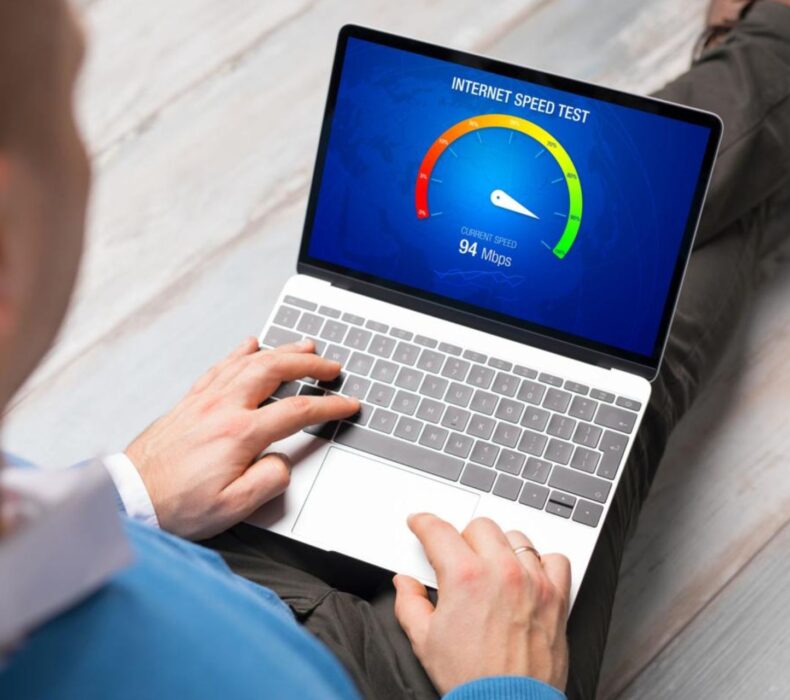
Whether you work from home, stream movies, attend online classes, or play online games, understanding your internet performance is essential. A Speed Test for Network allows you to measure how fast and reliable your internet connection is. Moreover, it helps identify problems that may be slowing down your browsing experience. By testing your connection regularly, you can ensure your internet service delivers the speed you are paying for.
What Is an Internet Speed Test?
An internet speed test is a simple tool that measures the performance of your internet connection.
Typically, it evaluates three key factors:
Download speed
Upload speed
Ping (Latency)
These measurements help determine whether your internet is suitable for everyday online activities.
Why You Should Perform a Speed Test for Network
Running a Speed Test for Network provides valuable information about your connection.
Some key benefits include:
Confirms your internet speed
Identifies network problems
Detects slow connections
Helps troubleshoot Wi-Fi issues
Verifies provider performance
Improves streaming quality
Supports better gaming experiences
Consequently, regular speed testing helps you maintain a reliable internet connection.
Understanding Internet Speed Measurements
Before interpreting your test results, it’s important to understand what each measurement means.
Download Speed
Download speed measures how quickly your device receives data from the internet.
It affects:
Video streaming
Website loading
App downloads
File downloads
Music streaming
Higher download speeds generally provide a smoother online experience.
Upload Speed
Upload speed measures how quickly your device sends data to the internet.
This is particularly important for:
Video conferencing
Cloud backups
Sending emails with attachments
Uploading videos
Live streaming
If you work remotely, upload speed matters almost as much as download speed.
Ping (Latency)
Ping measures how quickly your device communicates with a server.
Lower latency is better because it results in:
Faster response times
Better online gaming
Smoother video calls
More responsive applications
Generally, a lower ping means a more stable internet experience.
How to Perform a Speed Test for Network
Testing your internet connection is simple.
Follow these steps:
Step 1: Close Unnecessary Applications
Pause:
Downloads
Streaming services
Online games
Cloud backups
This ensures more accurate results.
Step 2: Connect Properly
Whenever possible, connect your computer directly to the router using an Ethernet cable.
If using Wi-Fi, stay close to the router.
Step 3: Disconnect Other Devices
The fewer devices sharing your internet during the test, the more accurate the results.
Step 4: Run Multiple Tests
Perform several tests at different times of the day.
Network congestion can affect speeds during busy periods.
What Is a Good Internet Speed?
The ideal speed depends on your online activities.
Basic Browsing
Recommended:
10–20 Mbps
Suitable for:
Emails
Social media
Web browsing
HD Streaming
Recommended:
15–25 Mbps
Supports:
Netflix
YouTube
Prime Video
4K Streaming
Recommended:
25 Mbps or more
Higher speeds improve streaming quality when multiple users are online.
Remote Work
Recommended:
25–50 Mbps
Ideal for:
Zoom meetings
Microsoft Teams
Google Meet
Cloud applications
Online Gaming
Gaming benefits from:
Low latency
Stable internet
Fast download speeds
Both speed and ping are important.
Why Your Speed Test Results May Be Slow
Several factors can reduce internet performance.
Common causes include:
Poor Wi-Fi coverage
Outdated routers
Too many connected devices
Network congestion
Weak signal strength
Background downloads
Internet provider issues
Fortunately, many of these issues can be resolved.
How to Improve Your Internet Speed
If your Speed Test for Network results are lower than expected, try these solutions.
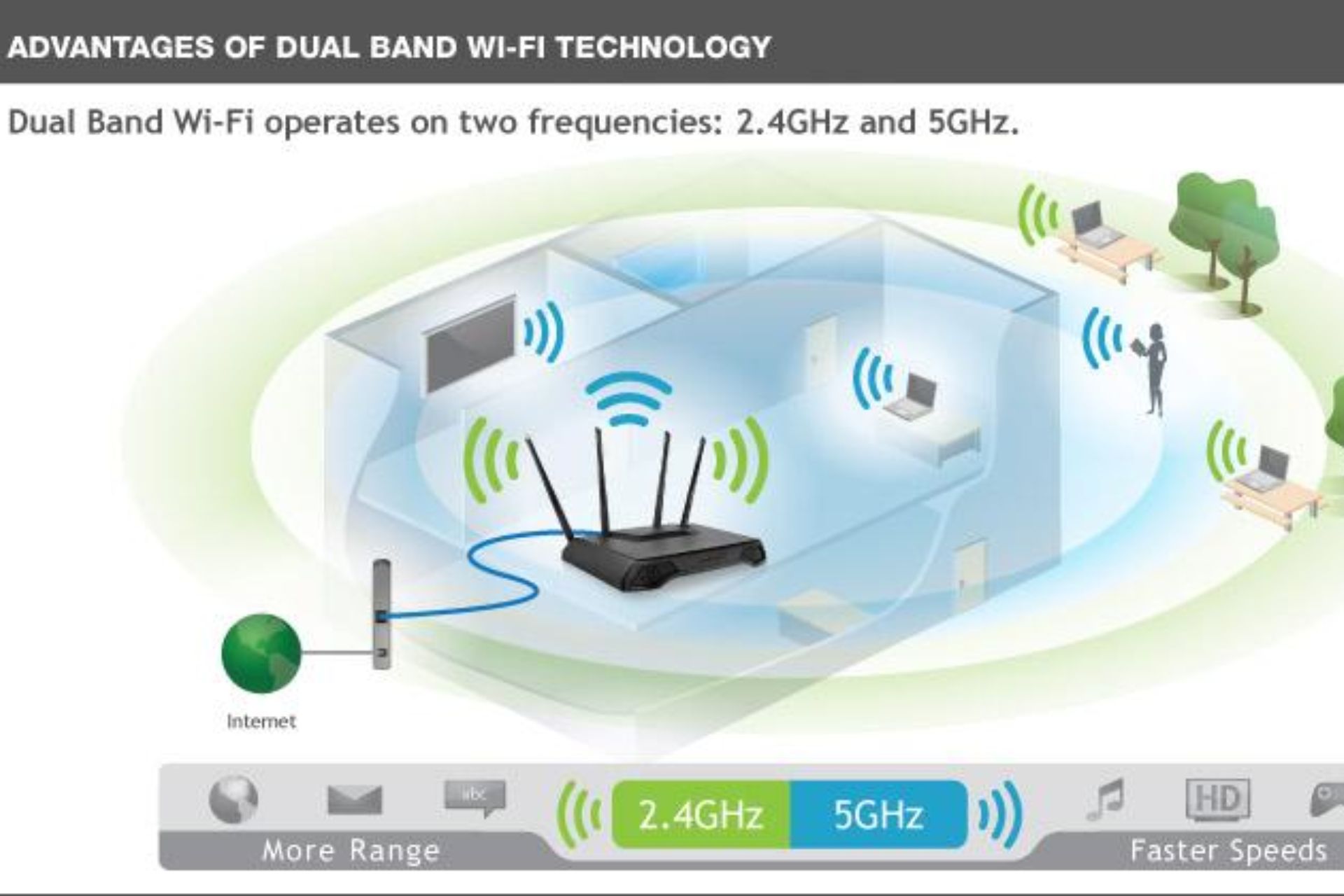
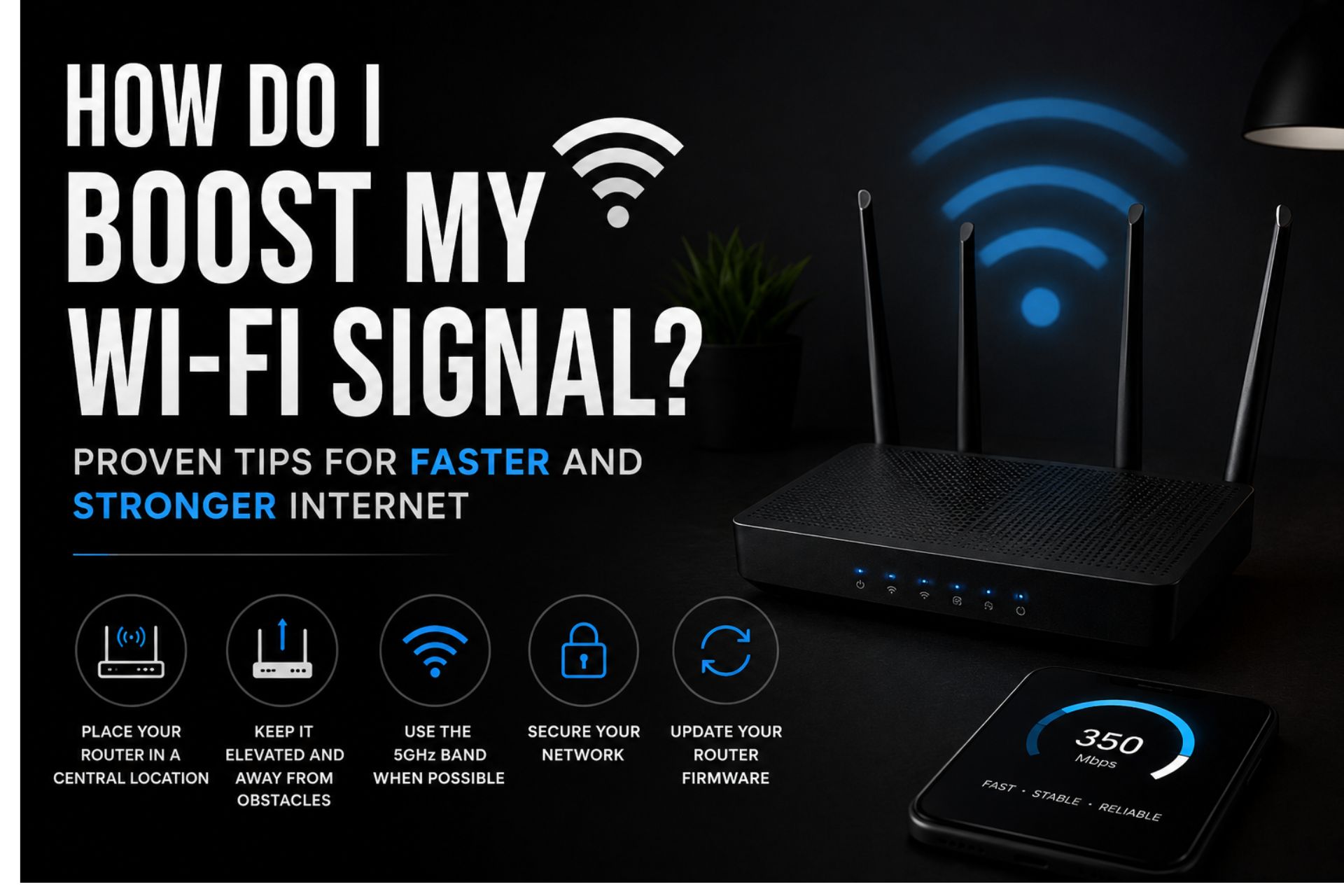
Move Your Router
Place your router:
Near the center of your home
On a raised shelf
Away from thick walls
Away from electronic interference
This improves wireless coverage.
Upgrade Your Router
Older routers often struggle with today’s internet demands.
Modern Wi-Fi 6 routers provide:
Faster speeds
Better coverage
Improved efficiency
Enhanced security
Update Router Firmware
Firmware updates improve:
Stability
Security
Performance
Always keep your router updated.
Disconnect Unused Devices
Every connected device consumes bandwidth.
Removing inactive devices improves internet performance.
Wired vs Wireless Speed Tests
Testing with an Ethernet cable usually produces more accurate results because wireless interference is eliminated.
However, Wi-Fi testing reflects the actual experience most users have throughout their homes.
Therefore, running both tests can provide useful insights.
How Often Should You Test Your Internet?
Experts recommend performing a Speed Test for Network:
Following these steps provides more consistent measurements.
Common Internet Speed Myths
Many people believe faster internet alone solves every problem.
In reality:
Router quality matters.
Wi-Fi placement matters.
Network congestion affects performance.
Device capabilities influence speed.
Signal interference reduces performance.
Therefore, optimizing your entire home network is just as important as upgrading your internet plan.
Frequently Asked Questions
How long does an internet speed test take?
Most speed tests complete within one minute.
Why is my Wi-Fi slower than my internet plan?
Factors such as router placement, interference, outdated equipment, and multiple connected devices can reduce Wi-Fi performance.
Should I test using Wi-Fi or Ethernet?
Ethernet provides the most accurate measurement, while Wi-Fi reflects everyday home usage.
Does restarting my router improve speed?
Yes. Restarting your router clears temporary issues and often improves network stability.
What should I do if my internet speed is consistently low?
Check your router, test multiple devices, update firmware, reduce network congestion, and contact your internet provider if the issue continues.
Conclusion
Performing a Speed Test for Network is one of the easiest ways to evaluate your internet connection and identify potential performance issues. By understanding download speed, upload speed, and latency, you can determine whether your network meets your needs for streaming, gaming, remote work, and online learning. Furthermore, combining regular speed tests with proper router placement, updated equipment, and optimized network settings ensures a faster and more reliable internet experience for your home or business.













 Get it on
  Download on the