






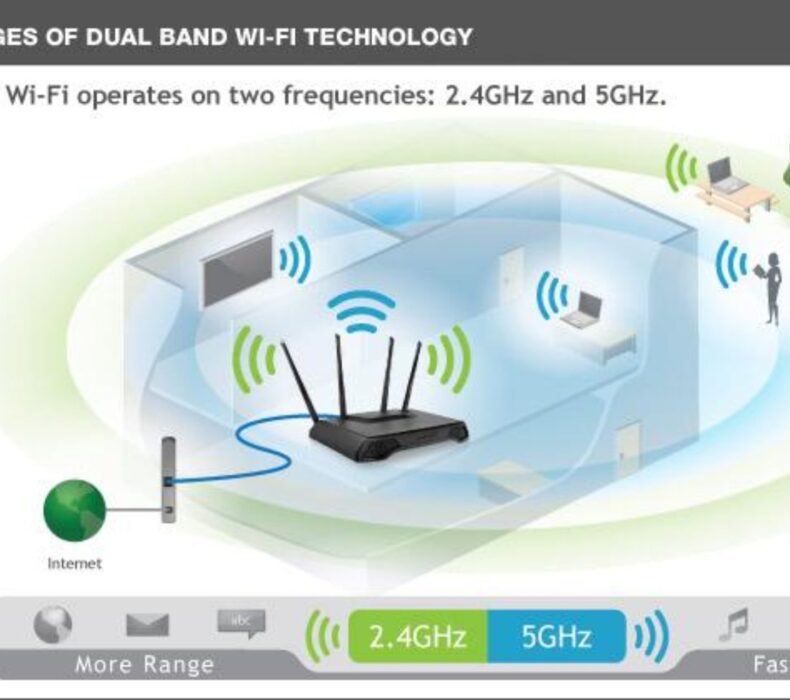
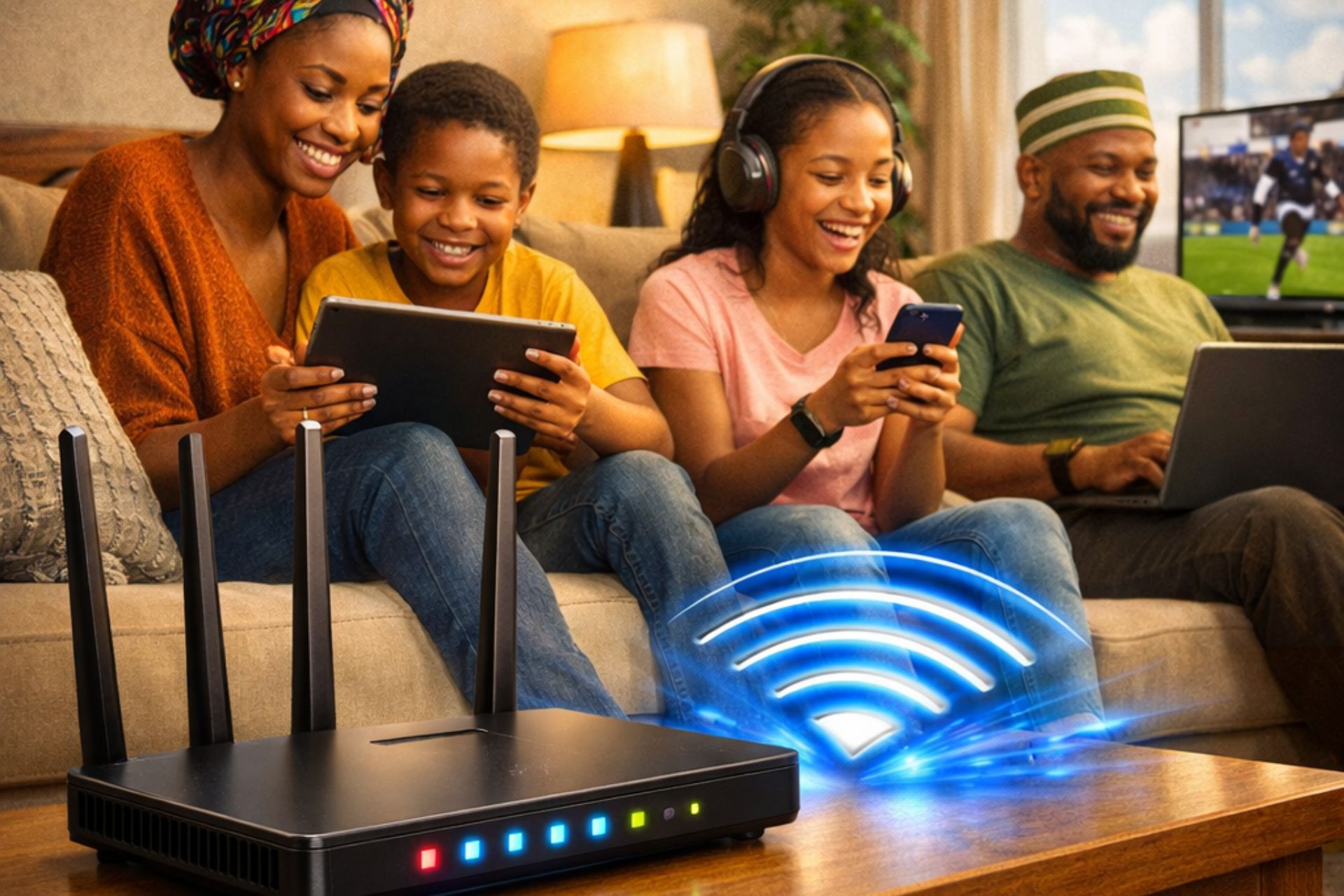
A slow or unstable Wi-Fi connection can interrupt work, online classes, streaming, gaming, and video calls. Fortunately, most wireless network problems can be resolved without replacing your internet service. Understanding Dual-Band vs Single-Band Router and applying a few practical troubleshooting techniques can significantly improve your home or office network. Moreover, identifying the cause of the problem helps you restore a fast and reliable internet connection.
Why Wi-Fi Problems Occur
Several factors can reduce your Wi-Fi performance.
Common causes include:
- Poor router placement
- Weak signal strength
- Too many connected devices
- Outdated router firmware
- Wireless interference
- Old networking equipment
- Incorrect router settings
Fortunately, these issues are usually easy to fix.
Why Understanding Dual-Band vs Single-Band Router Matters
Choosing between a dual-band and a single-band router plays an important role in network performance.
A Single-Band Router operates only on the 2.4 GHz frequency, which offers longer range but is more likely to experience interference.
A Dual-Band Router supports both 2.4 GHz and 5 GHz frequencies, allowing you to enjoy:
- Faster wireless speeds
- Reduced interference
- Better streaming
- Improved gaming
- Stronger performance with multiple devices
Therefore, understanding Dual-Band vs Single-Band Router can help you choose the right router for your internet needs.
Common Wi-Fi Problems and Their Solutions
Slow Internet Speed
One of the most common complaints is slow browsing.
Possible causes include:
- Too many users
- Weak Wi-Fi signal
- Network congestion
- Outdated router
How to Fix It
- Restart your router.
- Disconnect unused devices.
- Move closer to the router.
- Upgrade to a dual-band or Wi-Fi 6 router.
- Contact your internet provider if speeds remain low.
Weak Wi-Fi Signal
A weak signal often causes buffering and dropped connections.
Common reasons include:
- Thick walls
- Long distance from the router
- Metal furniture
- Poor router placement
Solution
Place your router:
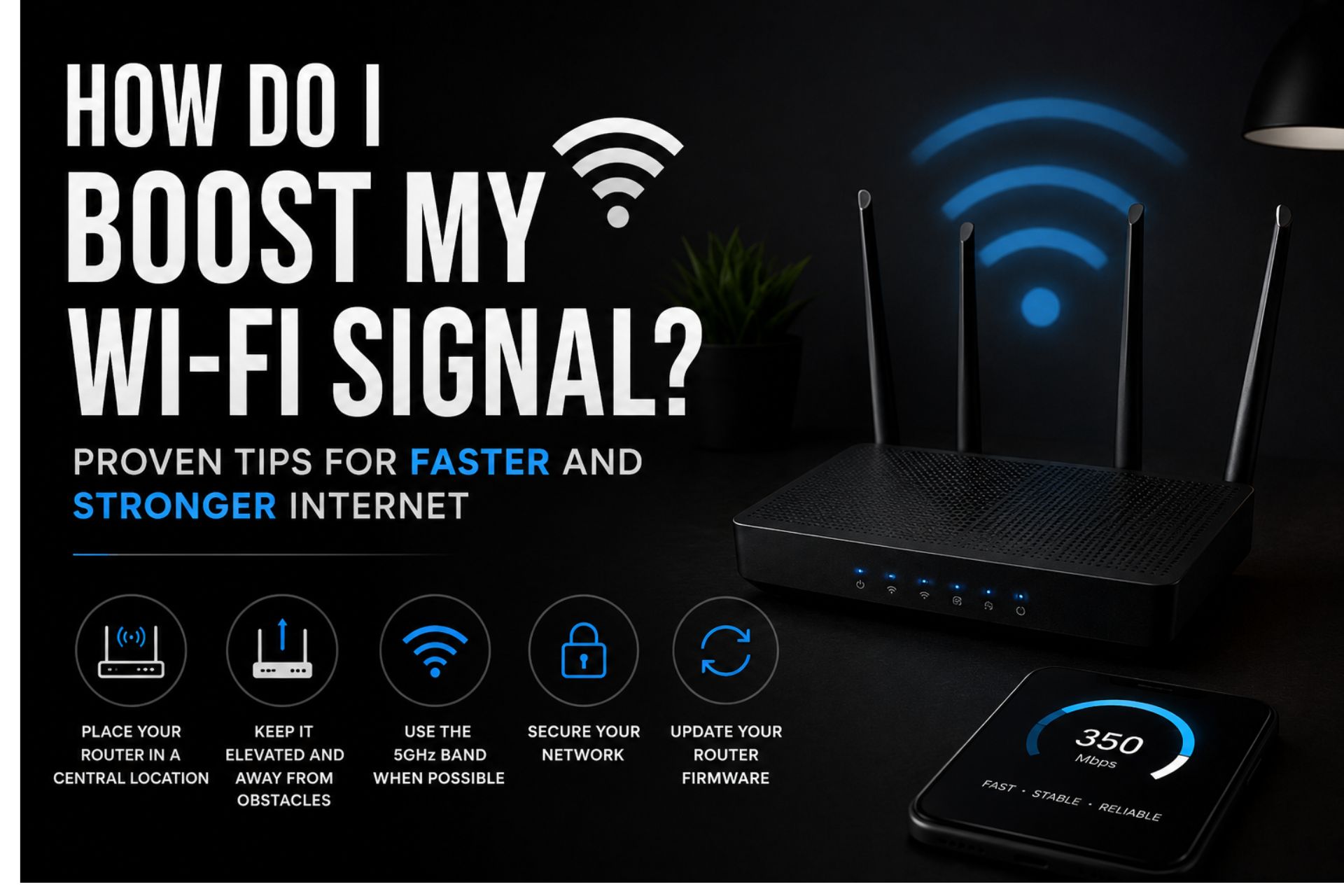
- Near the center of your home
- On a raised shelf
- Away from large appliances
- Away from enclosed cabinets
This improves wireless coverage.
Frequent Wi-Fi Disconnections
Random disconnections can be frustrating.
Possible causes include:
- Router overheating
- Old firmware
- Signal interference
- Internet provider issues
Solution
- Restart the router.
- Update firmware.
- Reduce nearby interference.
- Ensure cables are securely connected.
Devices Cannot Connect
Sometimes new devices refuse to connect to your Wi-Fi network.
Possible reasons include:
- Incorrect password
- Maximum device limit reached
- Router configuration issues
Solution
- Confirm the password.
- Restart both the router and device.
- Remove unused connected devices.
- Reset the router if necessary.
Poor Streaming Quality
Buffering while watching Netflix or YouTube often indicates network congestion.
How to Improve Streaming
- Use the 5 GHz Wi-Fi band.
- Pause large downloads.
- Upgrade your internet plan if necessary.
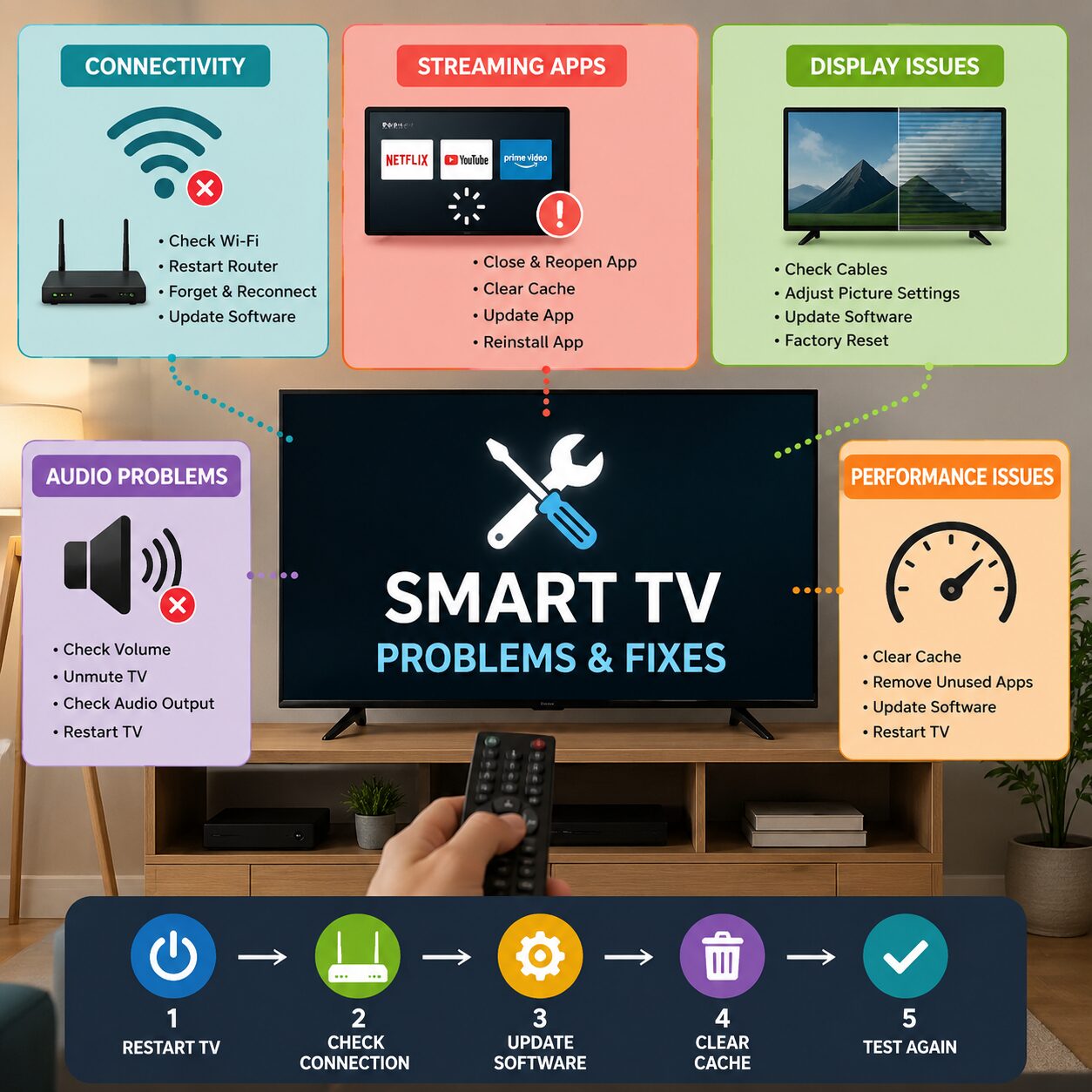
- Connect your Smart TV using an Ethernet cable whenever possible.
Lag During Online Gaming
Gaming requires both speed and low latency.
Improve Gaming Performance
- Use Ethernet instead of Wi-Fi.
- Close background downloads.
- Enable Quality of Service (QoS) if available.
- Choose a dual-band router.
Smart Home Devices Disconnecting
Smart cameras, smart speakers, and smart lights depend on a stable connection.
Fixes
- Keep smart devices within Wi-Fi range.
- Update device firmware.
- Use a mesh Wi-Fi system in larger homes.
- Avoid placing the router behind furniture.
Dual-Band vs Single-Band Router: Which Is Better?
Single-Band Router
Advantages:
- Lower cost
- Longer signal range
- Suitable for basic browsing
Disadvantages:
- More interference
- Slower speeds
- Limited performance with many connected devices
Dual-Band Router
Advantages:
- Faster internet
- Better streaming
- Reduced congestion
- Supports multiple devices
- Improved gaming performance
Disadvantages:
- Slightly higher cost
- Shorter range on the 5 GHz band
Overall, most modern homes benefit more from a dual-band router.
Tips to Prevent Wi-Fi Problems
Update Router Firmware
Firmware updates improve:
- Performance
- Stability
- Security
- Compatibility
Always install updates when available.
Restart Your Router Weekly
A weekly restart helps:
- Clear temporary errors
- Refresh network connections
- Improve stability
Secure Your Network
Protect your Wi-Fi using:
- WPA3 encryption
- Strong passwords
- Guest networks for visitors
Unauthorized users can slow down your connection.
Upgrade Older Equipment
If your router is more than five years old, upgrading to a modern Wi-Fi 6 model can significantly improve performance.
When Should You Upgrade Your Router?
Consider replacing your router if:
- Wi-Fi frequently disconnects.
- Speeds remain slow after troubleshooting.
- You own many smart devices.
- Your current router supports only single-band Wi-Fi.
- You work remotely or stream in 4K.
Modern routers deliver better coverage, speed, and reliability.
Frequently Asked Questions
What causes weak Wi-Fi signals?
Weak signals are commonly caused by distance, walls, interference, and poor router placement.
Is a dual-band router better than a single-band router?
Yes. Dual-band routers offer faster speeds, reduced interference, and better support for multiple devices.
How often should I restart my router?
Restarting your router once a week helps maintain stable performance.
Why does my internet disconnect at night?
This may result from network congestion, scheduled updates, provider maintenance, or router overheating.
Can a Wi-Fi extender solve weak signal problems?
Yes. Wi-Fi extenders and mesh systems help eliminate dead zones in larger homes.
Conclusion
Most wireless internet problems can be resolved with simple troubleshooting and the right equipment. By understanding Dual-Band vs Single-Band Router, positioning your router correctly, updating firmware, reducing interference, and upgrading older hardware, when necessary, you can enjoy a faster, more stable internet connection. Whether you’re streaming movies, working remotely, attending online classes, or managing smart home devices, these practical solutions will help keep your Wi-Fi network running smoothly.




 Get it on
  Download on the