






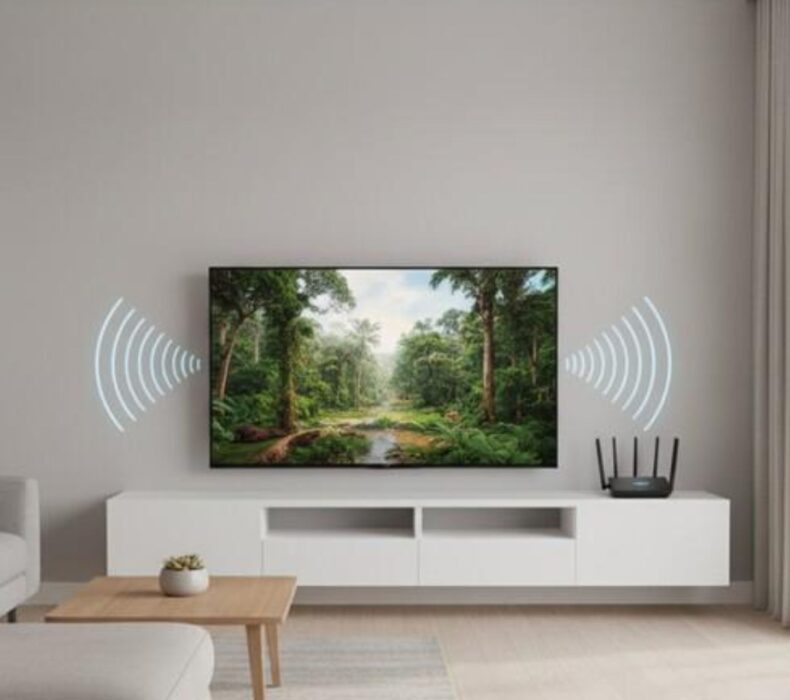
A Smart TV is only as good as the internet connection behind it. Whether you enjoy Netflix, YouTube, Prime Video, Disney+, Showmax, or live sports, choosing the right Wi-Fi for Smart T Vs ensures a smooth and enjoyable viewing experience. Moreover, a reliable Wi-Fi connection eliminates buffering, improves video quality, and allows multiple devices to stay connected without slowing down your network. Therefore, investing in the right internet solution is essential for modern homes.
Why Wi-Fi Matters for Smart TVs
Unlike traditional televisions, Smart TVs rely on the internet to access streaming platforms, online apps, software updates, and voice assistants.
With reliable Wi-Fi for Smart TVs, you can enjoy:
- Buffer-free streaming
- Faster app loading
- Smooth 4K and HDR playback
- Stable live sports streaming
- Better video call experiences
- Quick software updates
Consequently, your Smart TV performs at its best every day.
How Much Internet Speed Does a Smart TV Need?
The ideal internet speed depends on the video quality you watch.
Standard Definition (SD)
For SD streaming, a speed of at least 3 Mbps is usually sufficient.
High Definition (HD)
HD streaming performs well with speeds of 5 to 10 Mbps.
Full HD (1080p)
For a smooth Full HD experience, aim for 10 to 20 Mbps.
4K Ultra HD
If you regularly watch 4K content, you should have at least 25 Mbps per TV. However, if multiple people are streaming simultaneously, a faster connection is highly recommended.
Best Internet Options for Smart TVs
Several internet technologies support Wi-Fi for Smart TVs.
Fibre Internet
Fibre broadband is one of the best choices because it provides:
- Ultra-fast speeds
- Stable connections
- Low latency
- Excellent streaming performance
- Unlimited data options
As a result, fibre is ideal for households with multiple Smart TVs.
5G Home Internet
5G broadband offers impressive wireless performance and is becoming increasingly available.
Benefits include:
- High download speeds
- Low buffering
- Quick installation
- Strong support for streaming
Furthermore, it provides an excellent alternative where fibre is unavailable.
4G LTE Broadband
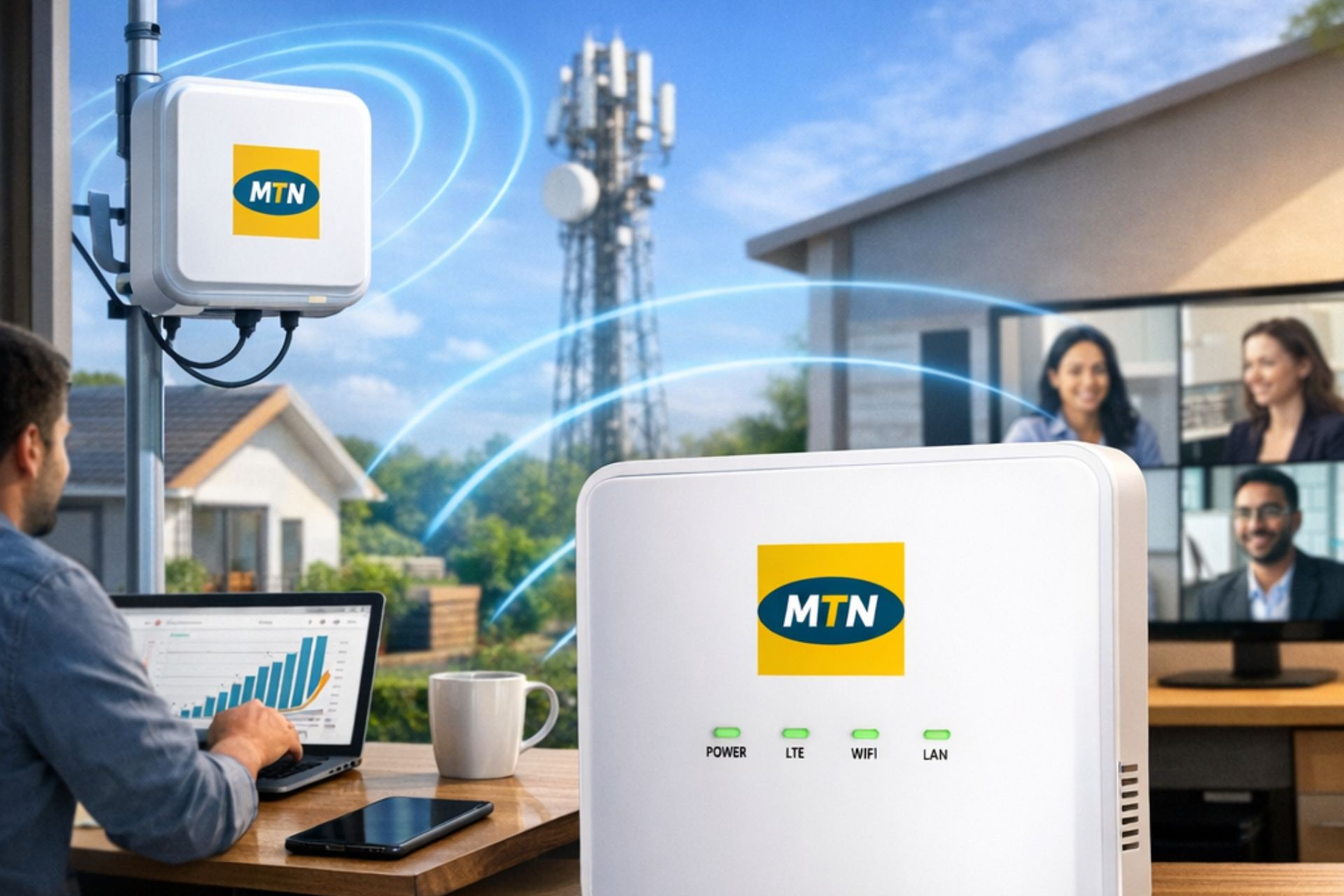
4G LTE remains a dependable option for many Nigerian households.
Advantages include:
- Wide network coverage
- Affordable setup
- Easy installation
- Good HD streaming performance
Although speeds may vary depending on network congestion, it remains suitable for everyday entertainment.
Choosing the Best Router for Smart TVs
Your router is just as important as your internet provider.
Look for routers with:
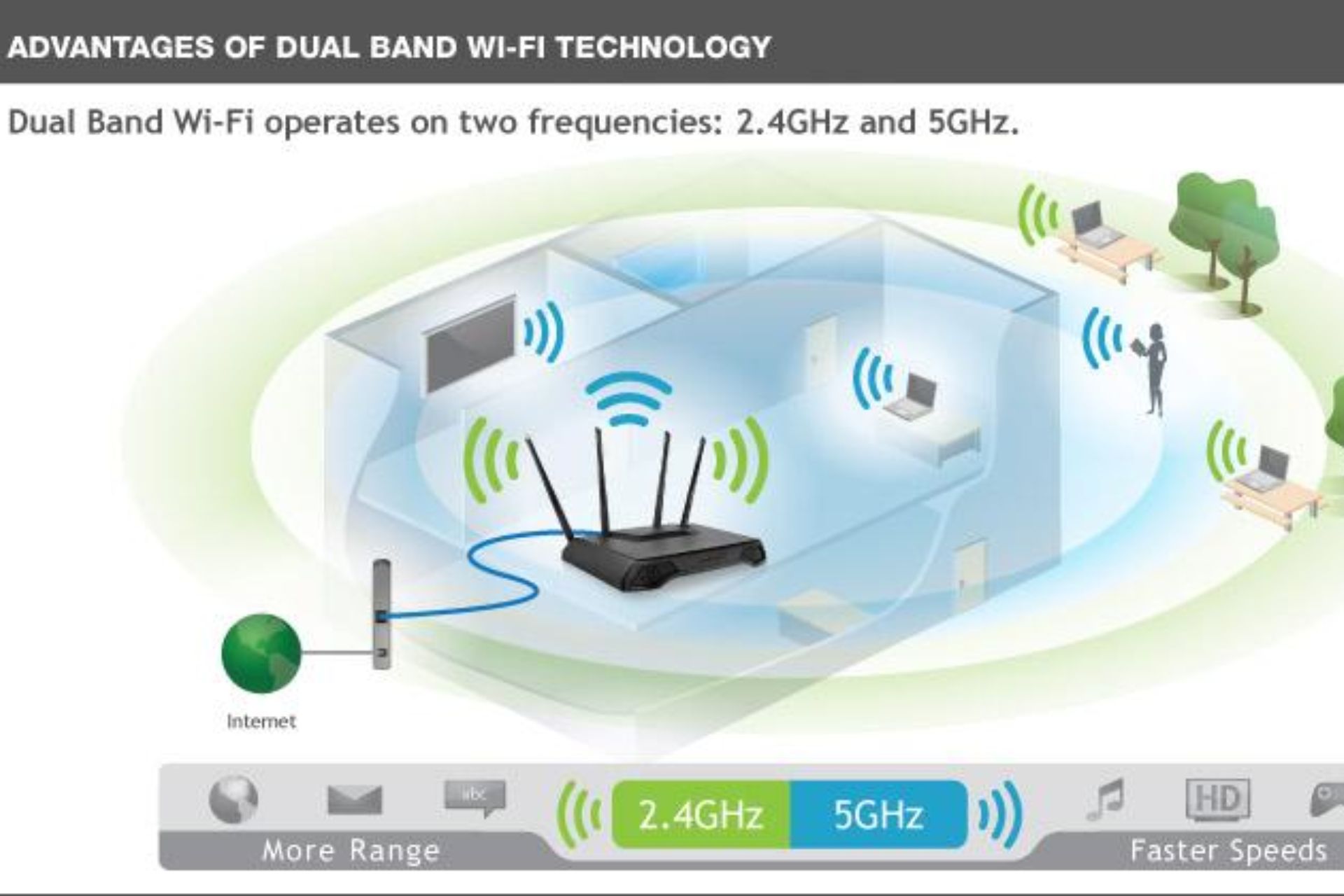
- Dual-band Wi-Fi
- Wi-Fi 6 technology
- Beamforming
- Gigabit Ethernet ports
- Strong security features
These features ensure your Smart TV receives a fast and stable wireless connection.
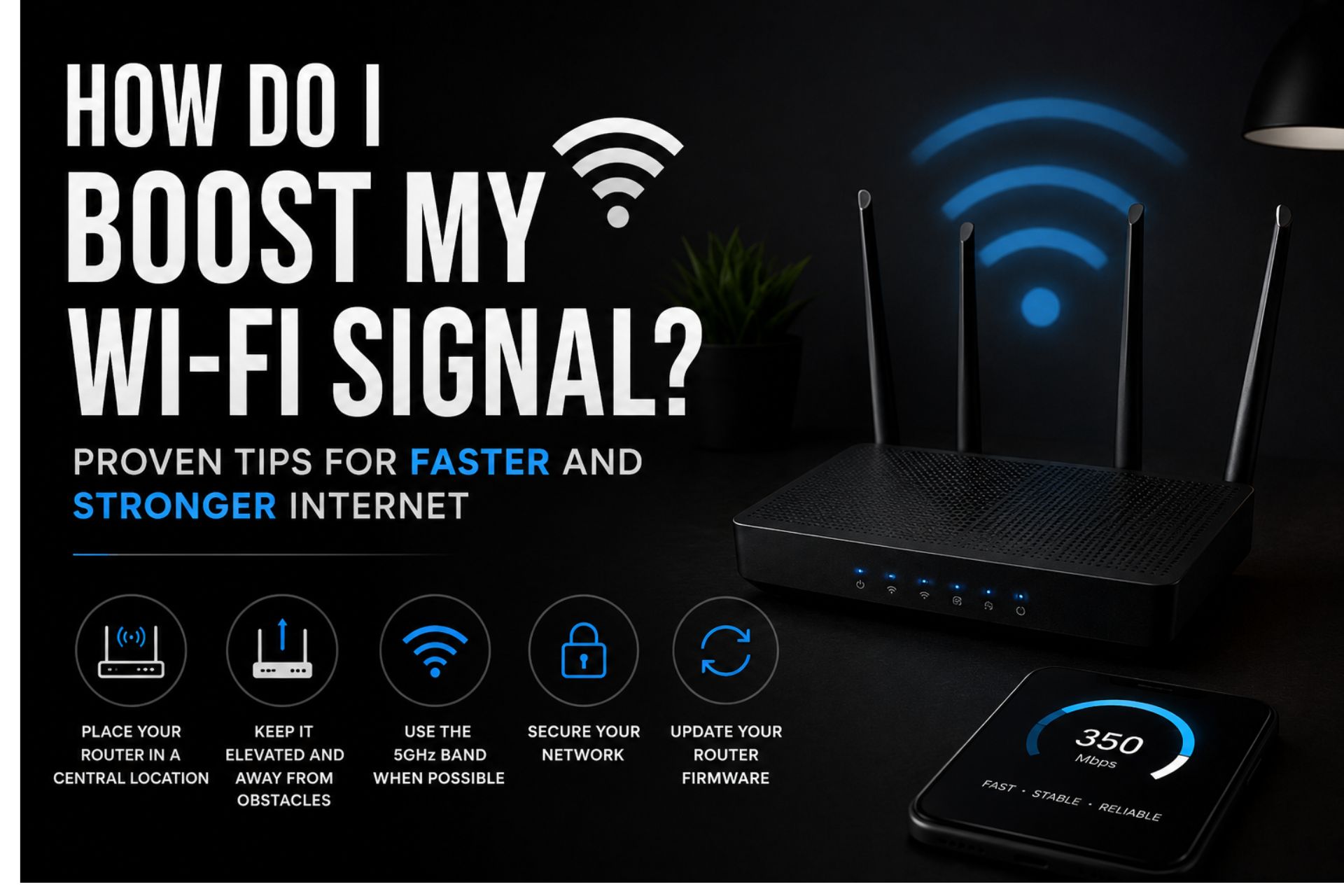
Position Your Router Correctly
Even the fastest internet plan can perform poorly if your router is poorly positioned.
For the best Wi-Fi for Smart TVs, place your router:
- In a central location
- On an elevated shelf
- Away from thick walls
- Away from microwaves
- Away from large metal objects
Consequently, your Smart TV will receive a stronger wireless signal.
Use the 5 GHz Wi-Fi Band
Most modern routers offer both 2.4 GHz and 5 GHz frequencies.
Benefits of 5 GHz
The 5 GHz band provides:
- Faster speeds
- Less interference
- Better streaming quality
- Lower latency
If your Smart TV is close to the router, connecting to the 5 GHz network is usually the best choice.
Connect Using Ethernet When Possible
Although wireless internet is convenient, Ethernet connections offer greater stability.
Benefits include:
- Faster speeds
- Lower latency
- Reduced buffering
- More reliable streaming
If your router is near your television, consider using an Ethernet cable.
Common Problems Affecting Smart TV Streaming
Several issues can reduce streaming quality.
These include:
- Weak Wi-Fi signals
- Outdated routers
- Too many connected devices
- Slow internet plans
- Network interference
Fortunately, most of these problems can be resolved with proper setup and equipment.
Tips to Improve Wi-Fi for Smart TVs
Upgrade Your Router
Older routers may struggle to handle today’s streaming demands.
A modern dual-band or Wi-Fi 6 router offers better performance.
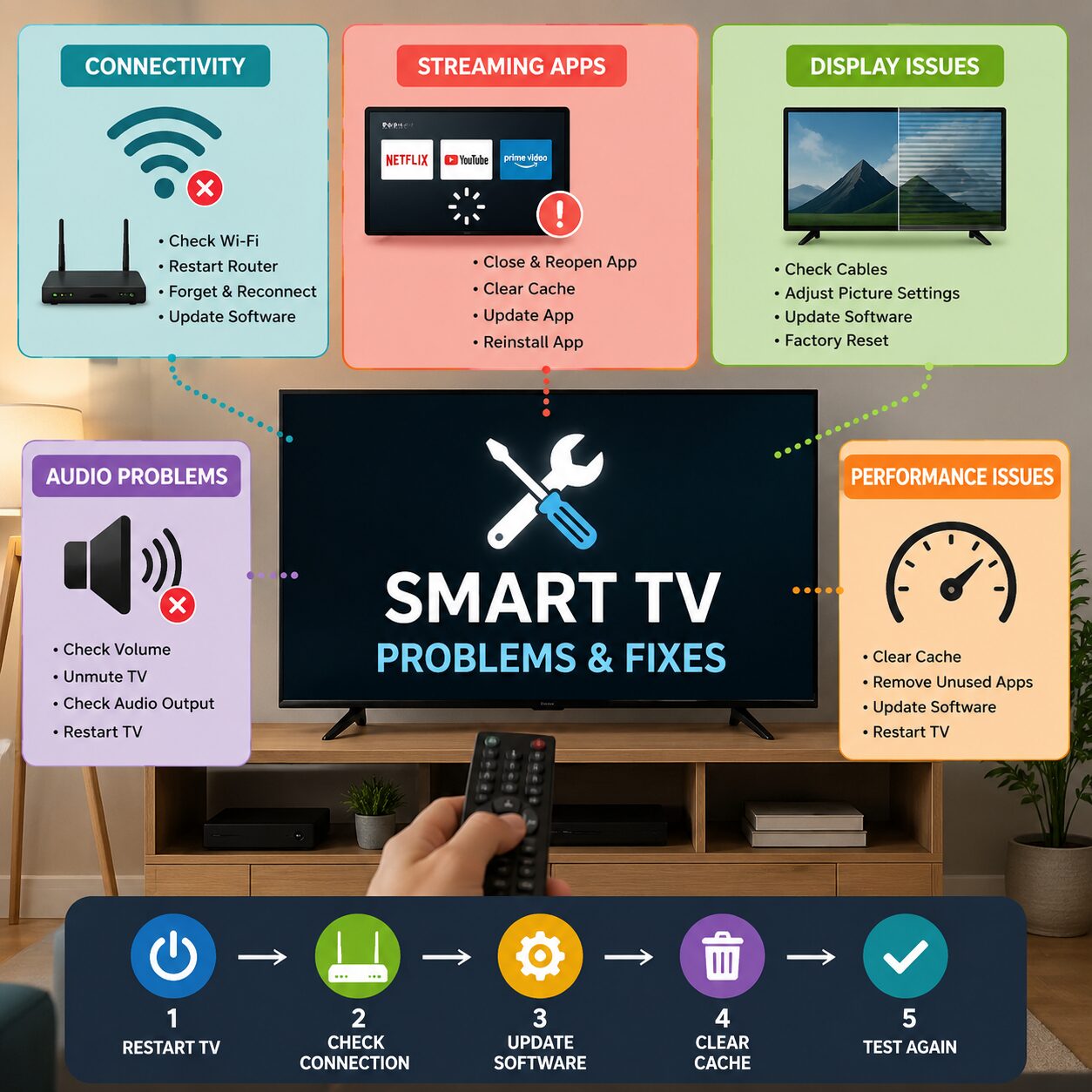
Restart Your Router Regularly
Restarting your router once every week refreshes your connection and improves stability.
Update Your Smart TV
Software updates improve:
- Performance
- Security
- App compatibility
- Streaming quality
Always install updates when available.
Reduce Network Congestion
If many devices are downloading large files while you stream, your television may experience buffering.
Whenever possible:
- Pause large downloads
- Disconnect unused devices
- Schedule updates overnight
Best Internet Activities Supported by Smart TVs
Reliable Wi-Fi for Smart TVs supports much more than watching movies.
You can enjoy:
- Netflix
- YouTube
- Prime Video
- Disney+
- Showmax
- Spotify
- Live football
- Video calls
- Screen mirroring
- Cloud gaming
Therefore, investing in quality internet enhances your overall entertainment experience.
Mistakes to Avoid
Many homeowners unintentionally reduce their streaming performance.
Avoid:
- Hiding your router inside cabinets
- Using outdated routers
- Ignoring firmware updates
- Choosing low-speed internet plans
- Connecting too many devices simultaneously
Instead, optimize your network for the best viewing experience.
Why Quality Wi-Fi Is Worth the Investment
Fast and reliable Wi-Fi for Smart TVs provides several long-term benefits.
These include:
- Better picture quality
- Faster streaming
- Less buffering
- Improved family entertainment
- More reliable smart home connectivity
Ultimately, a quality internet connection saves time and delivers a more enjoyable viewing experience.
Conclusion
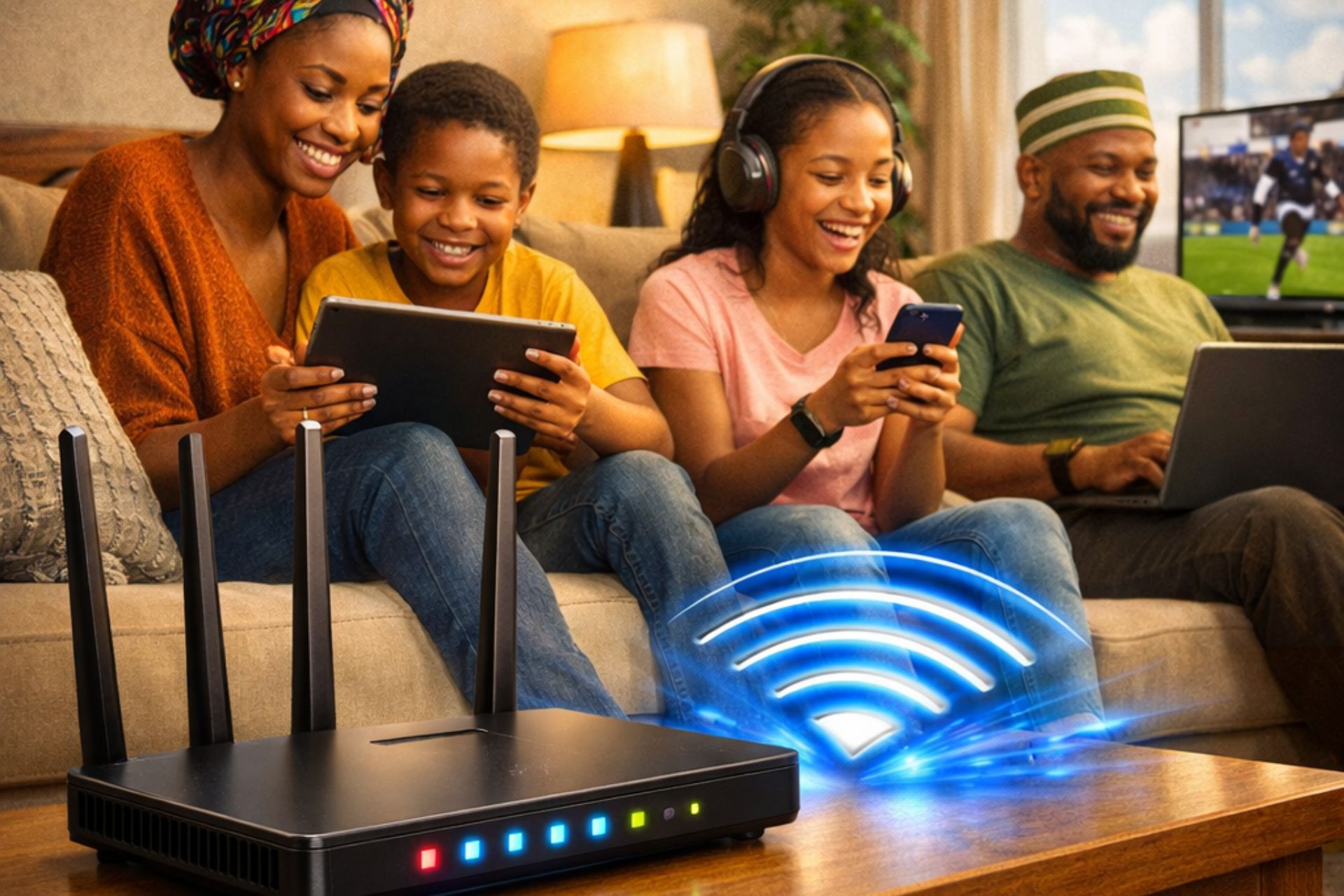
Choosing the best Wi-Fi for Smart TVs is essential for enjoying uninterrupted streaming, crystal-clear picture quality, and smooth online entertainment. Whether you choose fibre broadband, 5G home internet, or reliable 4G LTE, pairing your internet service with a modern dual-band or Wi-Fi 6 router will significantly improve your viewing experience. Furthermore, proper router placement and regular maintenance ensure your Smart TV performs at its best every day.
Frequently Asked Questions
What internet speed is best for a Smart TV?
For HD streaming, at least 10 Mbps is recommended, while 25 Mbps or more is ideal for 4K content.
Is fibre internet better than 4G for Smart TVs?
Yes. Fibre generally provides faster speeds, greater stability, and lower latency, making it ideal for streaming.
Does a better router improve Smart TV performance?
Yes. A modern dual-band or Wi-Fi 6 router improves signal strength, speed, and streaming reliability.
Should I use Wi-Fi or Ethernet for my Smart TV?
If possible, use Ethernet for maximum stability. Otherwise, connect to a strong 5 GHz Wi-Fi network.
Can multiple Smart TVs stream at the same time?
Yes. However, you’ll need a fast internet connection and a quality router capable of supporting multiple devices simultaneously.


 Get it on
  Download on the