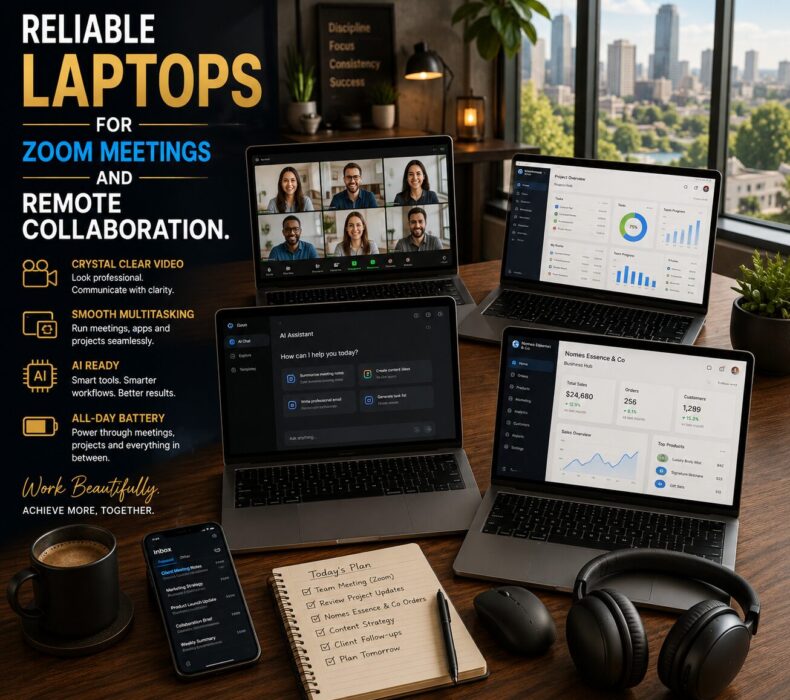
Reliable laptops for Zoom meetings have become essential for professionals, entrepreneurs, remote workers, and freelancers in 2026. Whether you are attending virtual meetings, collaborating with teammates, sharing presentations, managing projects, or communicating with clients, the right laptop can dramatically improve your productivity and remote work experience. Fortunately, today’s laptops offer better webcams, stronger performance, longer battery life, and more reliable connectivity than ever before.
As remote work continues to grow, laptop performance now plays a direct role in communication quality. Consequently, choosing the right device is no longer optional for professionals who rely heavily on online collaboration.
Why Zoom Performance Matters More Than Ever
Video meetings are now part of everyday business operations.
Many professionals spend hours each day using:
Zoom
Microsoft Teams
Google Meet
Slack
Asana
Trello
Google Workspace
As a result, laptops must handle multiple applications simultaneously while maintaining stable video and audio quality.
Poor performance can lead to:
Frozen video
Lagging audio
Dropped calls
Overheating
Reduced productivity
Therefore, investing in reliable hardware becomes increasingly important.
What Makes a Laptop Great for Remote Collaboration?
Reliable Processing Power
Video conferencing applications consume more resources than many people realize.
A modern processor helps ensure:
Smooth video calls
Faster screen sharing
Stable multitasking
Improved responsiveness
Consequently, modern Intel Core Ultra, AMD Ryzen AI, and Apple M4 processors perform exceptionally well.
Excellent Webcam Quality
A good webcam creates a more professional appearance during meetings.
Look for laptops that offer:
1080p webcams
AI-powered image enhancement
Automatic light correction
Noise reduction features
These features improve meeting quality significantly.
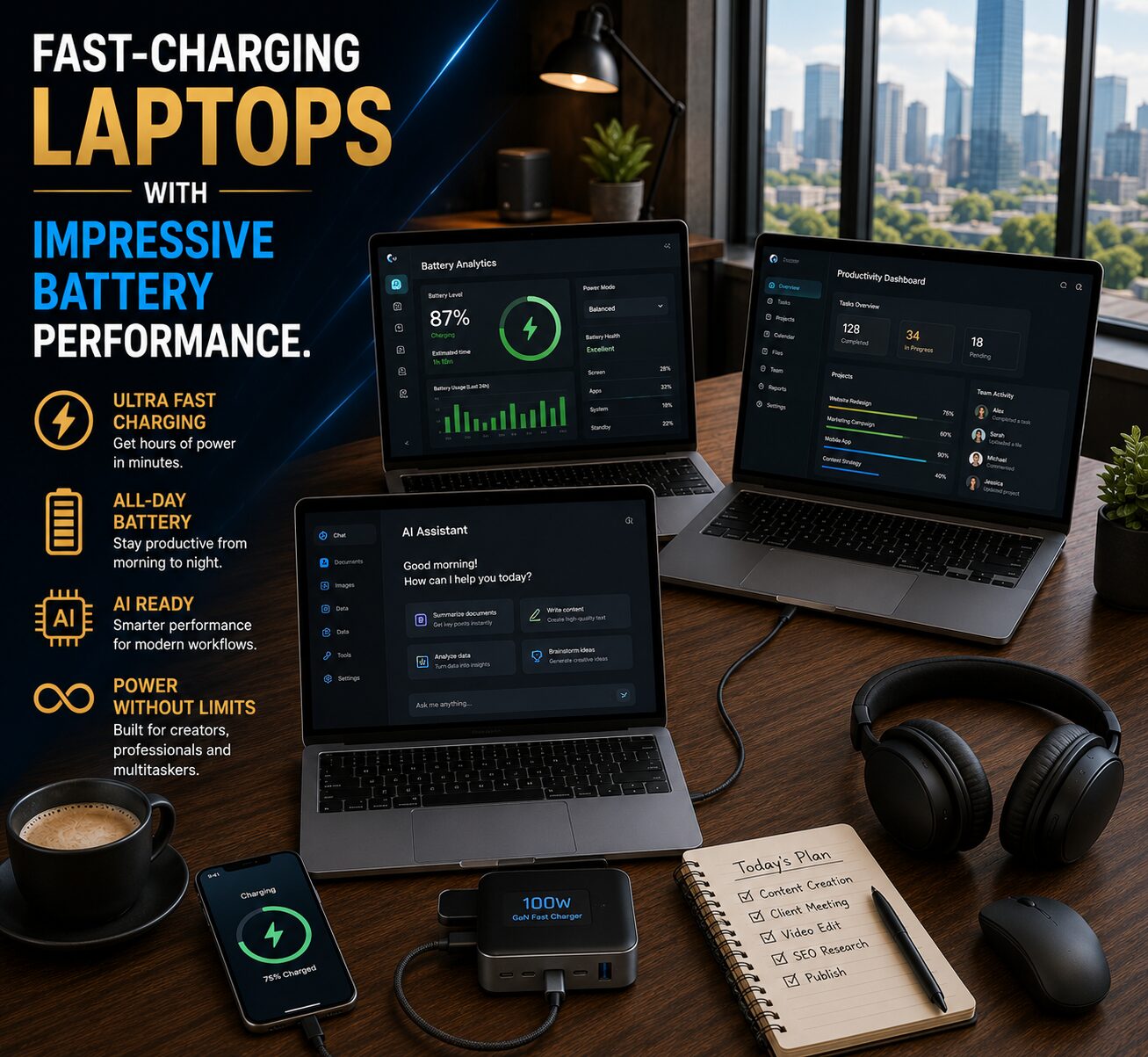
Strong Battery Life
Remote professionals often work from:
Home offices
Cafés
Co-working spaces
Airports
Therefore, battery life remains a major consideration.
Fortunately, today’s premium laptops can easily support full-day productivity.
Best Reliable Laptops for Zoom Meetings in 2026
Laptop
Best For
Webcam Quality
Battery Life
Collaboration
Apple MacBook Air M4
Remote professionals
Excellent
Excellent
Outstanding
Dell XPS 14
Business productivity
Excellent
Very Good
Powerful
Lenovo ThinkPad X1 Carbon
Business users
Very Good
Excellent
Reliable
HP Spectre x360
Hybrid workers
Excellent
Very Good
Smooth
ASUS Zenbook 14 OLED
Everyday professionals
Very Good
Very Good
Strong
1. Apple MacBook Air M4
Quick Verdict
The best overall laptop for remote collaboration.
The MacBook Air M4 offers:
Exceptional battery life
Crystal-clear video calls
Silent operation
Excellent multitasking
Consequently, it remains one of the strongest options for professionals who spend significant time in virtual meetings.
Pros
Outstanding battery life
Excellent webcam quality
Lightweight design
AI-ready performance
Silent operation
Cons
Limited ports
Premium pricing
2. Dell XPS 14
Quick Verdict
An excellent choice for professionals who require premium Windows performance.
The Dell XPS 14 combines:
Strong productivity
Reliable cooling
Premium construction
Excellent display quality
As a result, it performs exceptionally well during extended remote work sessions.
Pros
Strong multitasking
Excellent build quality
Great display
Reliable performance
Cons
Premium price
Limited upgrade options
3. Lenovo ThinkPad X1 Carbon
Quick Verdict
Ideal for business professionals.
The ThinkPad X1 Carbon remains popular because of:
Exceptional keyboard comfort
Reliable performance
Long battery life
Lightweight design
Consequently, it continues to be one of the most trusted business laptops available.
Pros
Best-in-class keyboard
Excellent battery life
Durable construction
Lightweight design
Cons
Conservative styling
Higher-end configurations cost more
Why Reliable Laptops for Zoom Meetings Need Strong Multitasking
Remote collaboration rarely involves only one application.
Most professionals use:
Zoom meetings
Email platforms
Project management software
Cloud storage
AI assistants
Web browsers
simultaneously.
Therefore, sufficient RAM and fast storage remain essential.
For most users:
16GB RAM is recommended
32GB RAM is ideal for heavy multitasking
Cooling and Overheating Discussion
Long meetings generate heat.
Without proper cooling, laptops may experience:
Reduced performance
Increased fan noise
Shorter battery life
Fortunately, modern premium laptops include improved cooling systems that maintain consistent performance during extended workloads.
AI Tools and Productivity Compatibility
Modern remote work increasingly relies on AI.
Many professionals now use:
ChatGPT
Microsoft Copilot
Gemini
Notion AI
Grammarly
Consequently, laptops need sufficient performance to support AI-powered productivity workflows.
The laptops on this list are well-equipped for both current and future AI applications.
Frequently Asked Questions(FAQ)
Is 8GB RAM enough for Zoom meetings?
Yes, for basic use. However, 16GB RAM provides a smoother experience when multitasking.
Which laptop has the best webcam for Zoom?
The MacBook Air M4 and HP Spectre x360 both offer excellent webcam quality.
Do Zoom meetings drain battery life?
Yes. Video conferencing consumes more power than typical office tasks.
Is a dedicated graphics card needed for Zoom?
No. Most users do not require dedicated graphics for video conferencing.
Which laptop is best for remote work?
The MacBook Air M4 remains one of the strongest overall choices because of its performance, battery life, and portability.
Final Verdict
Remote work continues evolving, and professionals need laptops that support reliable communication and productivity.
The best reliable laptops for Zoom meetings deliver:
Smooth video conferencing
Excellent battery life
Reliable multitasking
Strong connectivity
AI-powered productivity support
Ultimately, investing in the right laptop can significantly improve collaboration, efficiency, and professional communication.











 Get it on
  Download on the