






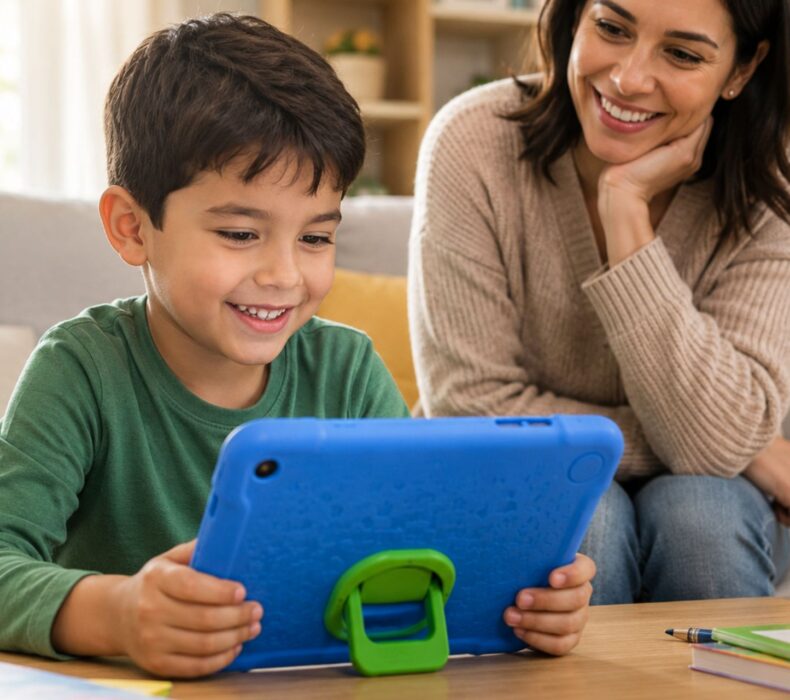
In today’s digital world, finding the right kids’ tablets with strong parental controls has become a top priority for every concerned parent. Moreover, as children increasingly rely on technology for education and entertainment, ensuring their safety online is absolutely essential. Consequently, parents everywhere are searching for devices that strike the perfect balance between fun, learning, and security. Fortunately, several outstanding tablets on the market today offer robust features designed specifically to protect young users.
Why Parental Controls Matter More Than Ever
First and foremost, the internet is a vast and often unpredictable space. While it offers incredible learning opportunities, it also presents significant risks for children. For instance, inappropriate content, excessive screen time, and online predators are just a few of the dangers that lurk online. Therefore, having strong parental controls on your child’s tablet is not just a luxury—it is an absolute necessity.
Additionally, research consistently shows that children who use devices with proper safeguards tend to develop healthier digital habits. As a result, they learn to use technology responsibly from an early age, which benefits them well into adulthood.
Top Features to Look for in Kids’ Tablets
When shopping for a tablet for your child, there are several critical features you should consider. Below are the most important ones:
1. Content Filtering and App Restrictions
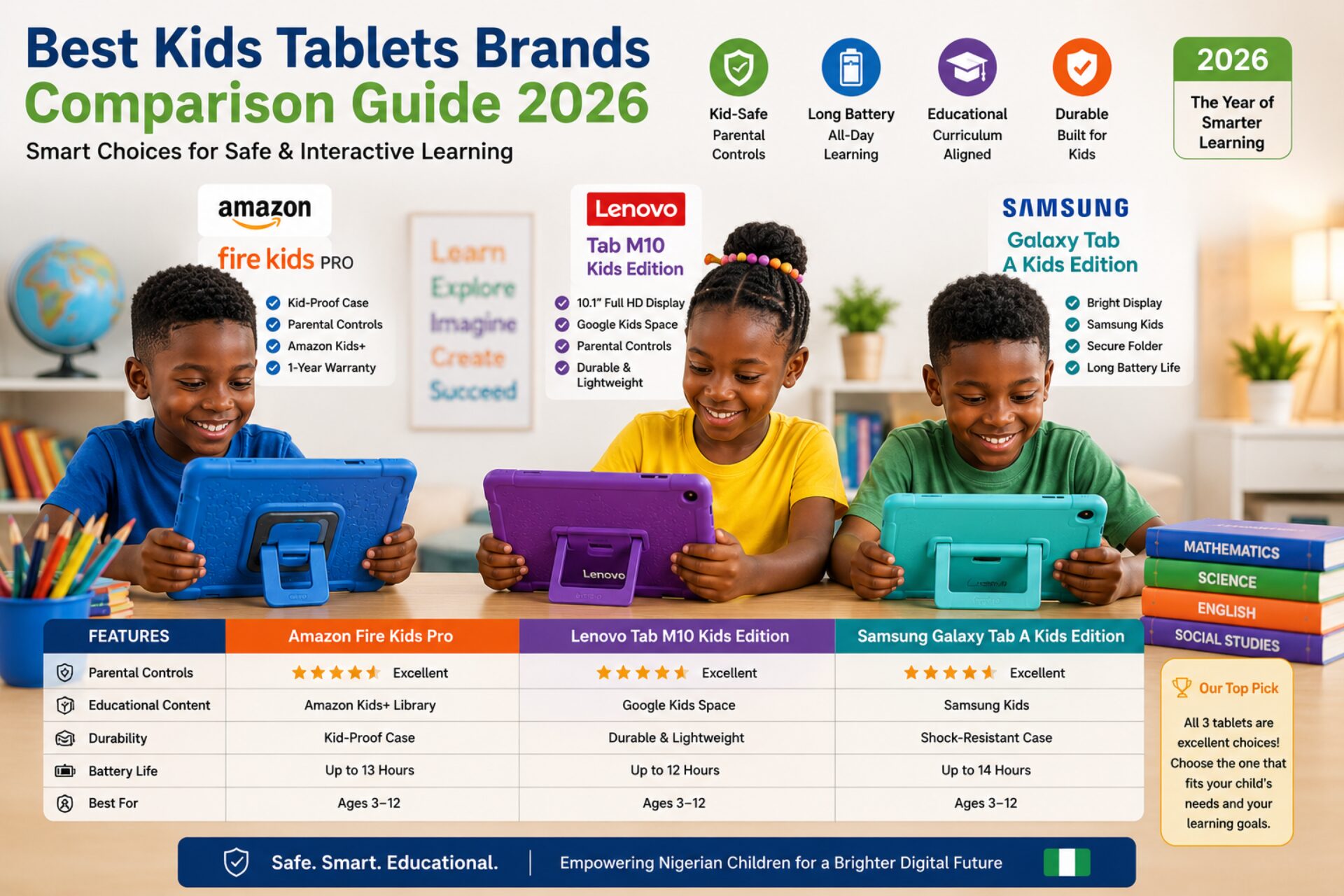
Above all, look for tablets that allow you to filter web content and restrict app downloads. In other words, you should be able to control exactly what your child can access. Amazon Fire Kids tablets, for example, come with Amazon Kids+ which provides a curated library of age-appropriate content. Similarly, Samsung Galaxy Tab Kids Edition offers robust content filtering capabilities.
2. Screen Time Management
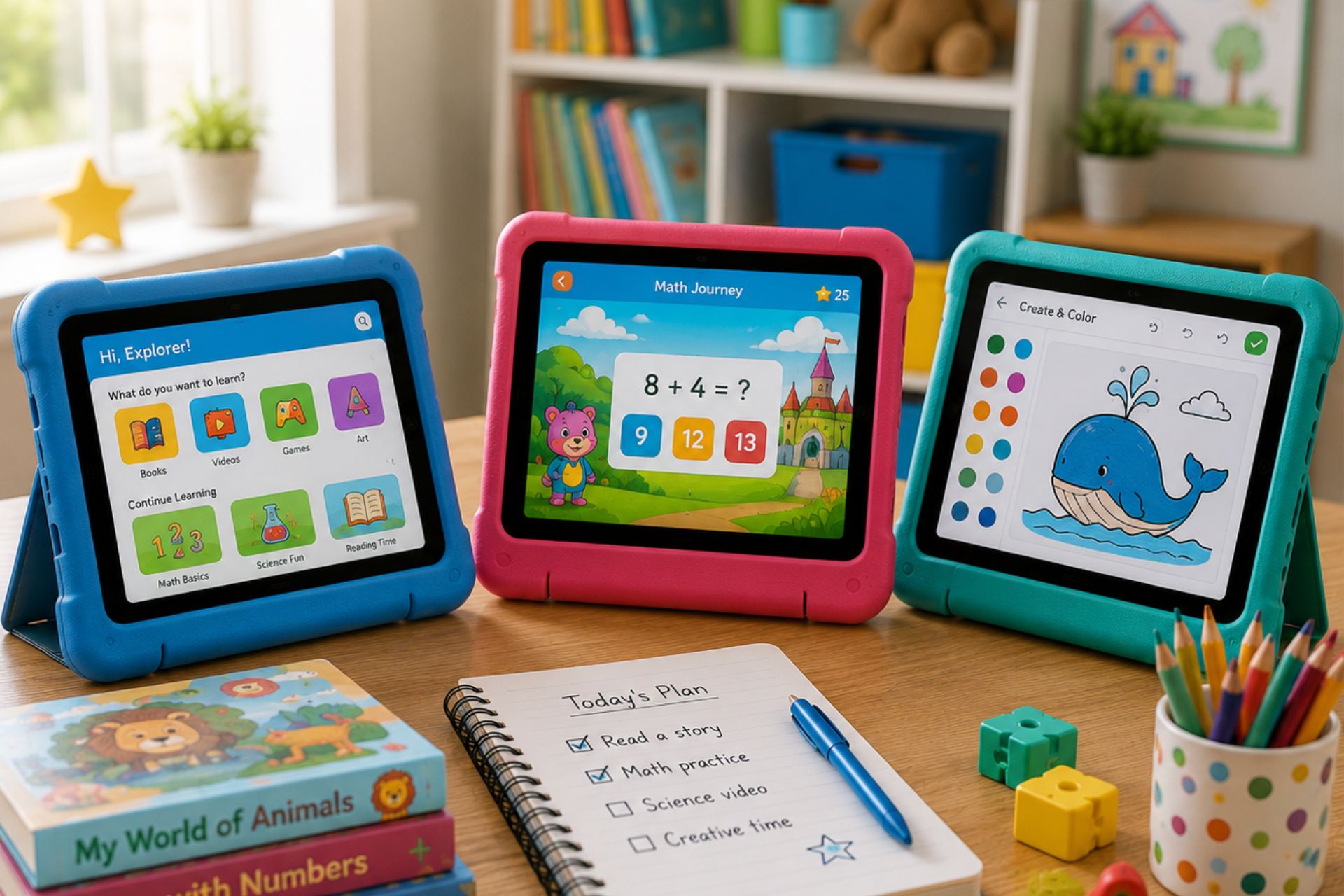
Furthermore, effective screen time management tools are crucial. Most quality kids’ tablets allow parents to set daily time limits, schedule “bedtime” modes, and even allocate specific time windows for different activities. For example, you might allow one hour for games and two hours for educational apps. Consequently, your child develops a balanced relationship with technology.
3. Activity Monitoring and Reports
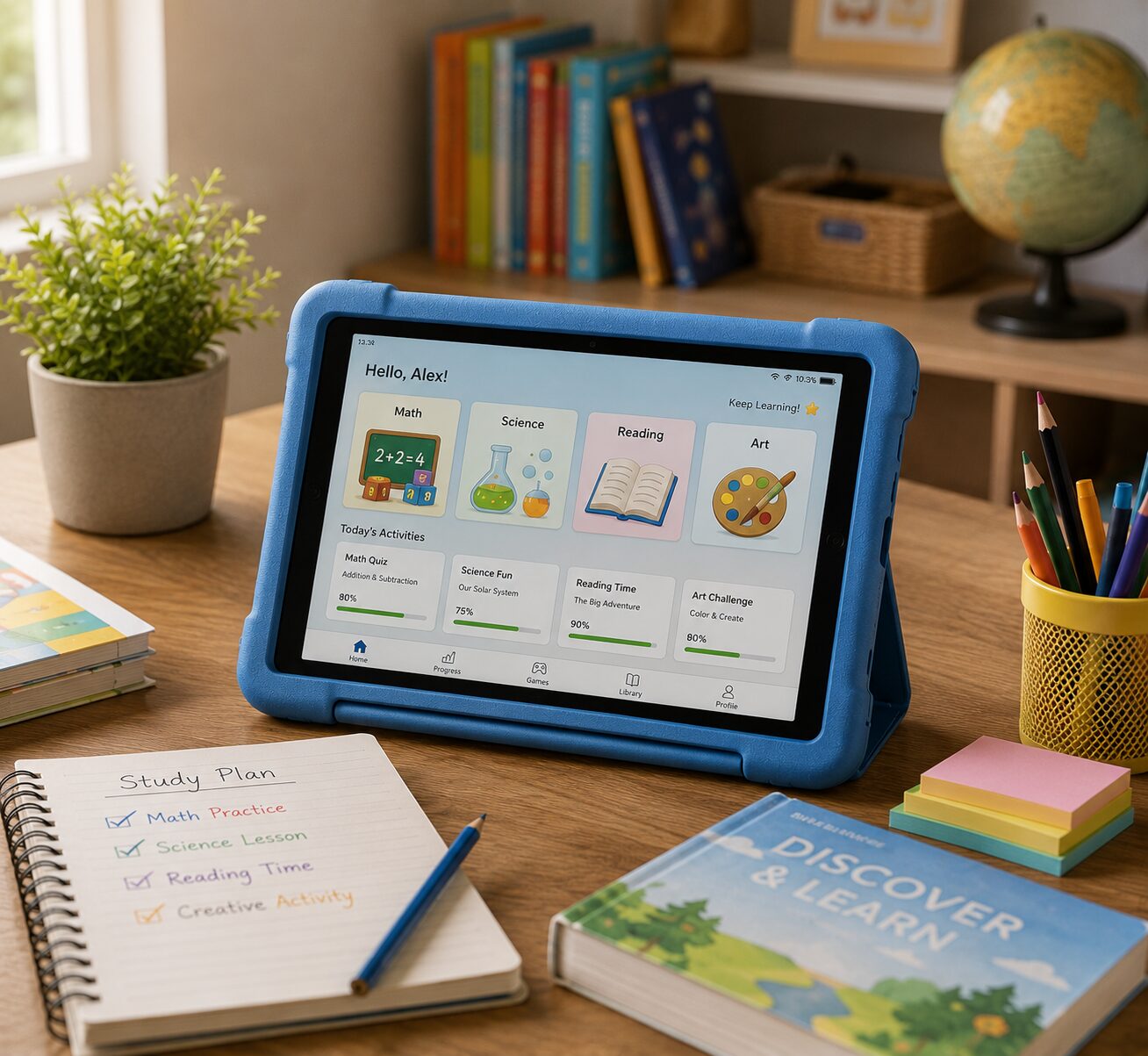
In addition to content filtering, the best tablets provide detailed activity reports. These reports show you exactly what your child has been doing on the device. As a result, you can identify potential concerns early and have meaningful conversations about online safety.
4. Age-Appropriate Profiles
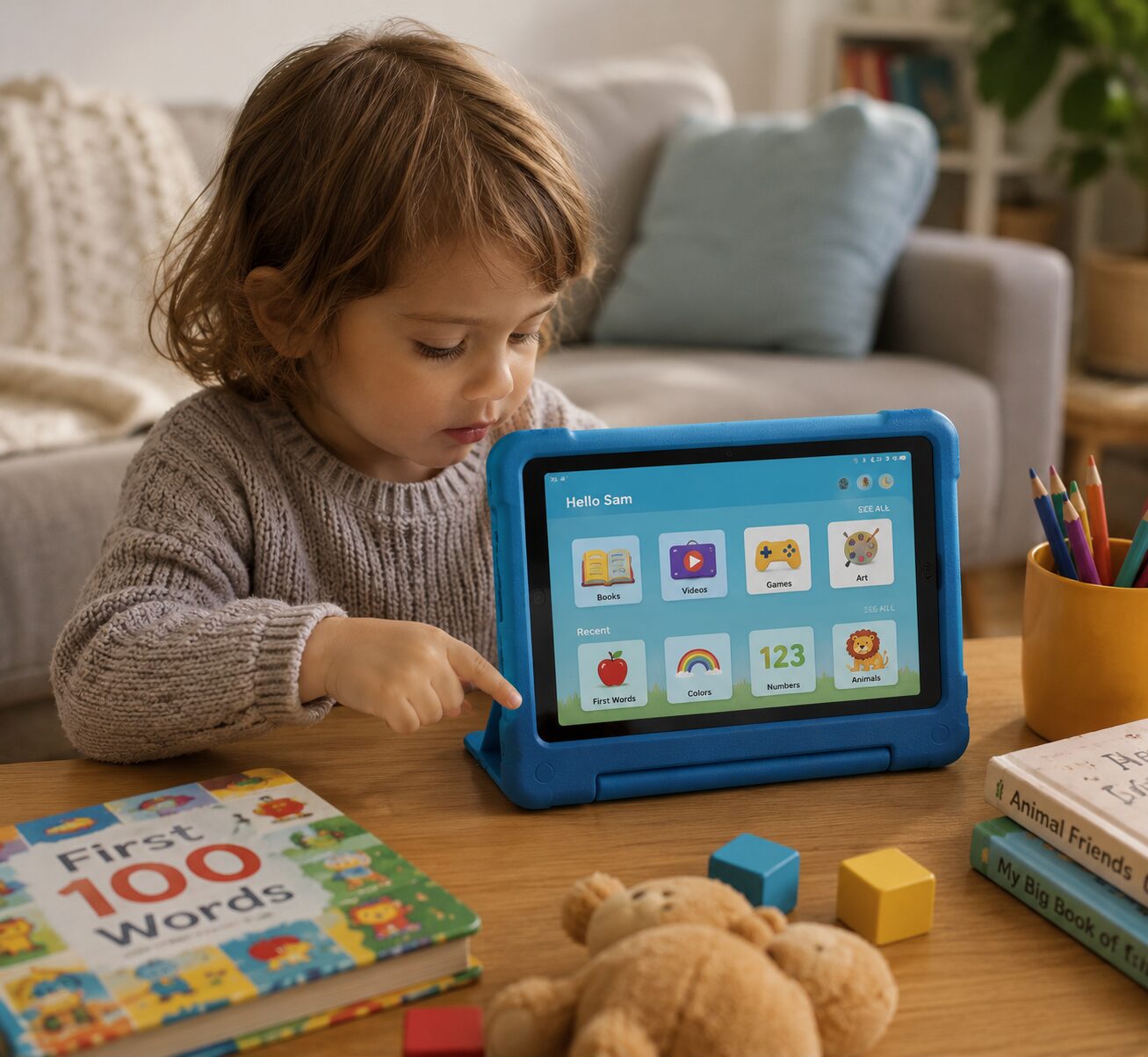
Moreover, many tablets allow you to create multiple child profiles with different settings for each age group. This feature is especially useful if you have children of varying ages. Therefore, each child gets a personalized and safe experience.
5. Durable and Kid-Friendly Design
Equally important is the physical design of the tablet. Since children tend to drop things frequently, look for devices with sturdy cases, shatterproof screens, and overall rugged construction. Tablets like the Amazon Fire HD 10 Kids Edition come with a protective case and a worry-free two-year guarantee.
Best Kids’ Tablets With Strong Parental Controls in 2024
Now that you understand what to look for, let’s explore some of the best options currently available on the market.
Amazon Fire HD Kids Edition
Undoubtedly, the Amazon Fire HD Kids Edition remains one of the most popular choices for parents. It comes with a one-year subscription to Amazon Kids+, which offers thousands of books, videos, games, and educational apps. Furthermore, the Amazon Parent Dashboard gives you complete control over your child’s experience. You can set time limits, filter content, and review activity—all from your smartphone.
Samsung Galaxy Tab A Kids Edition
Another excellent option is the Samsung Galaxy Tab A Kids Edition. This tablet features Samsung Kids mode, which provides a safe, colorful interface designed specifically for children. Additionally, it includes powerful parental controls that allow you to manage screen time, approve contacts, and restrict content. The device also boasts a bright, vibrant display that makes learning visually engaging.
Apple iPad with Screen Time Features
Although not specifically designed for kids, the Apple iPad offers remarkably strong parental controls through its built-in Screen Time feature. Parents can set app limits, filter web content, restrict purchases, and monitor usage patterns. Moreover, the iPad’s extensive library of educational apps makes it an outstanding learning tool. However, it’s worth noting that this option tends to be more expensive than dedicated kids’ tablets.
LeapFrog LeapPad Academy
For younger children, the LeapFrog LeapPad Academy is an exceptional choice. It was designed from the ground up with children’s safety in mind. Consequently, every app and piece of content has been educator-approved. Parents can track learning progress through the LeapFrog app, and the tablet’s web browser only allows access to pre-approved websites.
Lenovo Tab M10 Kids Edition
Last but not least, the Lenovo Tab M10 Kids Edition offers a premium experience at a reasonable price. It features a dedicated kids’ mode with parental controls, a bumper case for protection, and access to a wide variety of educational content. Furthermore, its large 10.1-inch display provides an immersive learning experience.
How to Set Up Parental Controls Effectively
Once you’ve chosen the right tablet, setting up parental controls properly is the next crucial step. Here are some helpful tips:
First, create a strong password or PIN that your child cannot easily guess. This ensures they cannot bypass the controls you’ve set.
Second, take the time to customize content filters based on your child’s age and maturity level. Rather than relying solely on default settings, tailor them to your family’s specific values and guidelines.
Third, set realistic screen time limits. Experts generally recommend no more than one to two hours of recreational screen time per day for children. However, educational screen time can be slightly more flexible.
Fourth, regularly review activity reports and have open conversations with your child about their online experiences. This not only keeps them safe but also builds trust.
Finally, update the tablet’s software regularly. Software updates often include important security patches that protect your child from new threats.
The Benefits of Kids’ Tablets With Built-In Safety Features
There are numerous advantages to choosing tablets with built-in parental controls. To begin with, these devices give parents peace of mind knowing their children are protected. In addition, they encourage healthy screen time habits from an early age.
Moreover, many of these tablets include educational content that supplements classroom learning. As a result, children can continue learning even during vacations or downtime. Furthermore, the best kids’ tablets grow with your child, allowing you to adjust settings as they mature and demonstrate responsible usage.
Common Mistakes Parents Make
Despite the best intentions, many parents make avoidable mistakes when it comes to kids’ tablets. For example, some parents set up controls initially but forget to update them as their child grows older. Others rely entirely on technology without having important conversations about online safety.
Additionally, some parents choose tablets based solely on price without considering the quality of parental controls. While budget-friendly options exist, it’s important to prioritize safety features over cost savings. After all, your child’s safety is priceless.
Final Thoughts
In conclusion, investing in kids’ tablets with strong parental controls is one of the smartest decisions you can make as a parent in 2024. Not only do these devices provide a safe digital environment, but they also promote learning, creativity, and responsible technology use. By choosing the right tablet and setting up controls properly, you empower your child to explore the digital world safely and confidently.
Ultimately, the goal isn’t to keep children away from technology. Instead, it’s to help them navigate it wisely. With the right tools and guidance, your child can enjoy all the benefits of a tablet while staying protected from its risks



 Get it on
  Download on the