






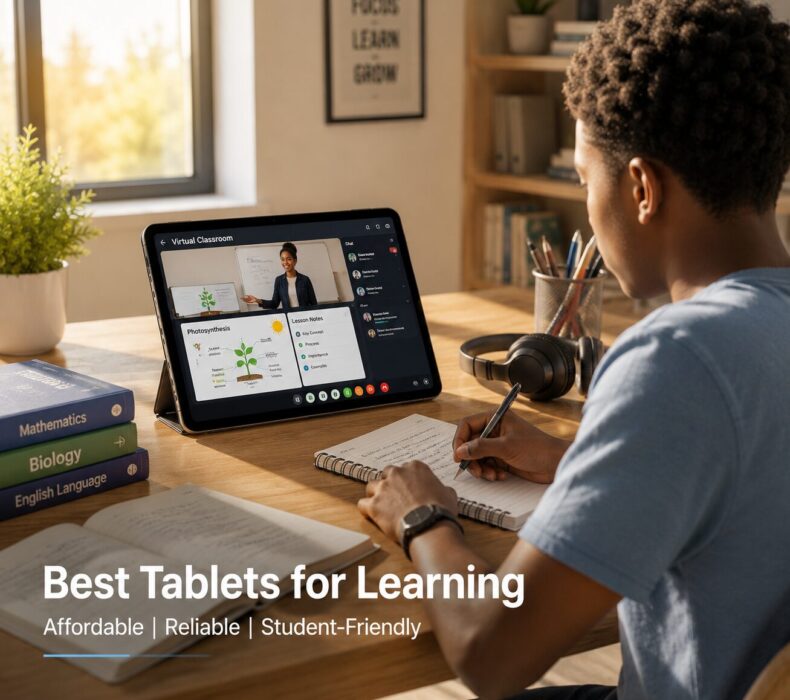
Finding affordable tablets for students and remote learning has become a top priority for families, educators, and learners across the globe. In recent years, the education landscape has shifted dramatically toward digital platforms, online classrooms, and virtual collaboration tools. As a result, owning a reliable tablet is no longer a luxury but rather a necessity for academic success. Fortunately, numerous budget-friendly tablets are available today that deliver exceptional performance for learning purposes without putting a strain on your wallet. In this comprehensive guide, we will explore the best affordable tablets designed specifically for students, the key features you should prioritize, and practical tips to help you make the smartest purchase decision.
Why Tablets Are Essential for Modern Learning
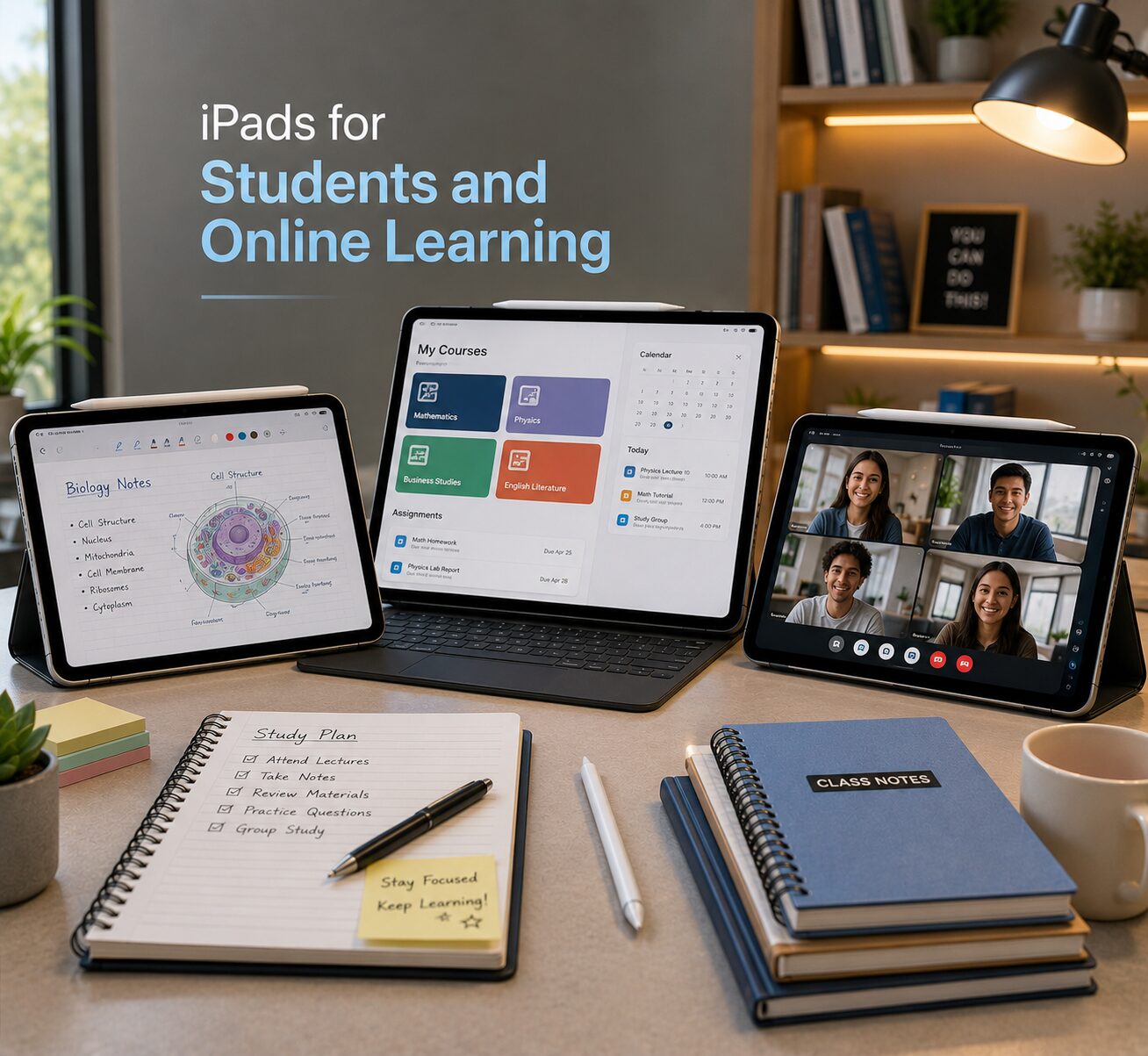
To begin with, tablets have revolutionized the way students access education. Unlike traditional textbooks and paper-based materials, tablets offer a dynamic and interactive learning experience. Furthermore, they provide instant access to thousands of educational resources, including e-books, academic journals, video lectures, and interactive learning apps.
Moreover, tablets are significantly more portable than laptops, making them ideal for students who move between classrooms, libraries, and study groups. In addition, their touchscreen interfaces are intuitive and user-friendly, which is particularly beneficial for younger students who may not be comfortable with keyboard-and-mouse navigation.
Equally important, tablets support a wide range of communication tools such as Zoom, Google Meet, and Microsoft Teams, which have become indispensable for remote learning. Consequently, students can participate in live virtual classes, submit assignments digitally, and collaborate with classmates seamlessly from anywhere in the world.
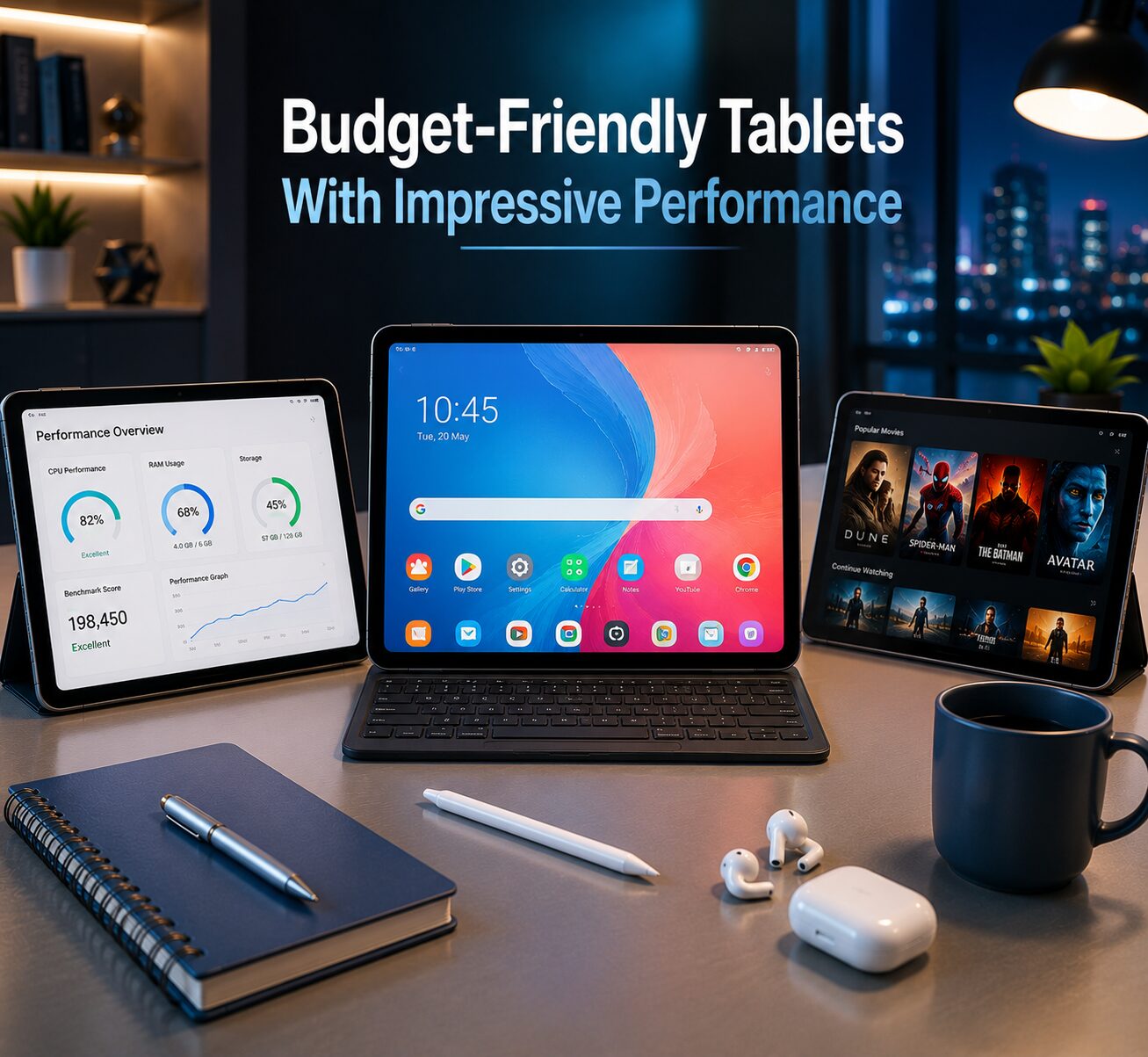
Beyond academics, tablets also serve as entertainment devices during downtime, offering access to music, movies, games, and social media. Therefore, investing in a good tablet essentially provides students with an all-in-one device that supports both learning and leisure.
Key Features to Prioritize When Choosing a Student Tablet
Before selecting a specific tablet, it is crucial to understand which features matter most for educational use. Not all tablets are created equal, and choosing one with the right specifications can significantly impact a student’s learning experience. Here are the most important features to consider:
1. Display Size and Quality
First and foremost, the display is arguably the most critical component of a learning tablet. Students spend hours reading text, watching video lectures, and reviewing visual content on their screens. Therefore, a tablet with at least a 10-inch display and Full HD (1920 x 1200) resolution is ideal for comfortable extended use.
Additionally, features like blue light filtering and anti-glare coatings help reduce eye strain during long study sessions. Some premium budget tablets even offer TÜV Rheinland-certified eye comfort modes, which automatically adjust screen color temperature throughout the day.
2. Battery Life
Equally important is battery longevity. A tablet that dies midway through a virtual lecture or exam is not just inconvenient — it can be academically detrimental. Consequently, look for tablets with batteries rated at 6,000mAh or higher, which typically provide 8 to 14 hours of continuous usage.
Furthermore, fast charging support is a valuable bonus feature. Tablets that can charge quickly between classes ensure that students are never left without power when they need it most.
3. Performance and Multitasking
In addition, a tablet’s processor and RAM determine how well it handles multiple applications simultaneously. Students frequently switch between note-taking apps, web browsers, video conferencing tools, and document editors. Therefore, a tablet with at least a mid-range processor (such as Qualcomm Snapdragon 680 or MediaTek Helio G80) and 4GB of RAM is recommended for smooth multitasking.
4. Storage Space
Moreover, storage is a practical concern for students who download textbooks, save lecture recordings, and store project files. A minimum of 64GB internal storage is advisable, and tablets that support microSD card expansion offer additional flexibility for growing file collections.
5. Accessory Compatibility
Lastly, consider whether the tablet supports useful accessories like a stylus pen for handwritten notes and diagrams, a detachable keyboard for essay writing, and a protective case for everyday durability. These accessories can transform a basic tablet into a powerful productivity tool that rivals more expensive devices.
Top Affordable Tablets for Students and Remote Learning
Now that you understand what to look for, let’s dive into the best budget tablets currently available for students. Each recommendation has been carefully selected based on performance, educational value, user reviews, durability, and price affordability.
1. Apple iPad (10th Generation)
Estimated Price: $329 – $449 / ₦180,000 – ₦250,000
Undoubtedly, the Apple iPad 10th Generation remains the gold standard for student tablets. It features a stunning 10.9-inch Liquid Retina display with 2360 x 1640 pixels resolution, delivering razor-sharp text and vivid visuals that make reading and video-watching a pleasure.
Powered by the A14 Bionic chip, this iPad handles everything from basic browsing to demanding creative apps with ease. Additionally, it offers 64GB or 256GB storage options, Touch ID for secure access, and compatibility with the Apple Pencil (1st Generation) and Magic Keyboard Folio.
Why it’s great for students: Apple’s ecosystem offers unmatched educational apps through the App Store, including tools like Notability, GoodNotes, Procreate, and Pages. Furthermore, Apple offers significant education discounts for students and teachers. The iPad also supports Sidecar and Universal Control for users who own other Apple devices, creating a seamless study workflow.
Pros:
- Exceptional performance and software optimization
- Outstanding display quality
- Extensive app ecosystem for education
- Long software support (5+ years of iPadOS updates)
Cons:
- Higher price compared to Android alternatives
- Apple Pencil and keyboard sold separately
- Base model only has 64GB storage
2. Samsung Galaxy Tab A8 (2022)
Estimated Price: $179 – $279 / ₦130,000 – ₦170,000
Similarly, the Samsung Galaxy Tab A8 is an excellent Android alternative that delivers reliable performance at a more accessible price point. It features a 10.5-inch TFT LCD display with 1920 x 1200 pixels resolution, providing clear and comfortable viewing for extended study sessions.
The Unisoc Tiger T618 processor paired with 3GB or 4GB of RAM ensures smooth performance for everyday learning tasks. Moreover, Samsung’s One UI interface includes several student-friendly features like Samsung Kids mode, Digital Wellbeing controls, and Samsung Knox security.
Why it’s great for students: Samsung offers Samsung Education partnerships with schools and universities, providing access to curated educational content. Additionally, the Galaxy Tab A8 supports Samsung DeX (on select models), which transforms the tablet into a desktop-like experience when connected to a monitor — perfect for writing essays and managing research projects.
Pros:
- Affordable pricing with excellent features
- Large, clear display
- Expandable storage up to 1TB via microSD
- Strong parental controls for younger students
Cons:
- No stylus support
- Processor may struggle with heavy multitasking
- Plastic build feels less premium
3. Lenovo Tab M10 Plus (3rd Generation)
Estimated Price: $189 – $249 / ₦120,000 – ₦165,000
In the same way, the Lenovo Tab M10 Plus stands out as a superb multimedia and learning tablet. It boasts a gorgeous 10.61-inch IPS LCD display with 2000 x 1200 pixels resolution, which is among the best in its price class. Colors are vibrant, viewing angles are wide, and text appears remarkably crisp.
Running on a Qualcomm Snapdragon 680 processor with 4GB of RAM, this tablet provides reliable performance for video conferencing, web browsing, and productivity apps. Its 7,700mAh battery easily lasts a full school day and beyond.
Why it’s great for students: The Lenovo Tab M10 Plus features dual speakers with Dolby Atmos support, which delivers immersive audio during video lectures and educational videos. Furthermore, Lenovo includes a dedicated reading mode that reduces blue light and optimizes the display for extended reading sessions. The tablet also supports Lenovo Precision Pen 2 (sold separately) for handwritten notes.
Pros:
- Excellent display with 2K resolution
- Impressive audio quality with Dolby Atmos
- Solid battery life
- Optional stylus support for note-taking
Cons:
- Stylus must be purchased separately
- Limited gaming performance
- Only available in Wi-Fi models in some regions
4. Xiaomi Redmi Pad SE
Estimated Price: $159 – $199 / ₦100,000 – ₦145,000
Meanwhile, the Xiaomi Redmi Pad SE has emerged as one of the best value propositions in the budget tablet market. Its standout feature is the 11-inch FHD+ IPS display with a 90Hz refresh rate, which provides noticeably smoother scrolling and navigation compared to standard 60Hz tablets.
The Snapdragon 680 processor with 4GB or 6GB of RAM ensures competent performance across learning apps, and the massive 8,000mAh battery can last up to 14 hours on a single charge — enough for an entire school day plus evening study sessions.
Why it’s great for students: The 90Hz display makes reading, scrolling through documents, and navigating apps feel incredibly fluid. Additionally, Xiaomi’s MIUI Pad interface supports split-screen multitasking and floating windows, allowing students to take notes while simultaneously attending a virtual class. The quad-speaker setup also ensures clear audio during online lectures.
Pros:
- Exceptional value for money
- Large 11-inch display with 90Hz refresh rate
- Outstanding battery life
- Quad speakers for clear audio
Cons:
- No stylus support
- Camera quality is average
- Limited software update commitment compared to Samsung or Apple
5. Amazon Fire HD 10 (2023)
Estimated Price: $139 – $189 / ₦85,000 – ₦130,000
Additionally, the Amazon Fire HD 10 is an incredibly affordable option that’s particularly well-suited for younger students. It features a 10.1-inch Full HD display with 1920 x 1200 pixels resolution and is powered by an octa-core 2.0 GHz processor with 3GB of RAM.
Amazon’s ecosystem includes Amazon Kids+, a subscription service offering thousands of age-appropriate books, videos, educational apps, and games. The 6,000mAh battery provides up to 13 hours of mixed usage.
Why it’s great for students: Amazon offers a dedicated Fire HD 10 Kids Edition that comes with a kid-proof case, 2-year worry-free guarantee, and a one-year Amazon Kids+ subscription. Parents can set educational goals, manage screen time, and filter content through comprehensive parental controls. Furthermore, the Amazon Appstore includes popular learning apps like Khan Academy, Duolingo, and ABCmouse.
Pros:
- Very affordable
- Excellent parental controls
- Kid-friendly edition available
- Alexa voice assistant built-in
Cons:
- Uses Amazon Appstore instead of Google Play
- Performance lags behind competitors
- Display quality is average
6. Nokia T21
Estimated Price: $199 – $249 / ₦110,000 – ₦150,000
Furthermore, the Nokia T21 is a dependable choice for students who value durability and long-term software support. It features a 10.36-inch 2K display with 2000 x 1200 pixels resolution enclosed in a robust aluminum unibody design that can withstand the rigors of daily student life.
The Unisoc T612 processor with 4GB of RAM and 64GB storage handles standard learning tasks efficiently. Impressively, its 8,200mAh battery is one of the largest in this category, providing up to two days of moderate usage.
Why it’s great for students: Nokia guarantees three years of OS updates and three years of monthly security updates, making the T21 an excellent long-term investment. Moreover, the near-stock Android experience ensures fast, bloatware-free performance. The IP52 rating also provides splash resistance, adding an extra layer of protection for clumsy student moments.
Pros:
- Exceptional battery life
- Durable aluminum build with IP52 rating
- Guaranteed long-term software updates
- Clean Android experience
Cons:
- Processor is not the fastest
- No stylus support
- Limited availability in some markets
Comparison Table: Student Tablets at a Glance
| Tablet | Display | Battery | RAM | Best For | Price |
|---|---|---|---|---|---|
| Apple iPad 10th Gen | 10.9″ Liquid Retina | 10 hrs | 4GB | Overall best | $329–$449 |
| Samsung Galaxy Tab A8 | 10.5″ FHD+ | 12 hrs | 3/4GB | Android users | $179–$279 |
| Lenovo Tab M10 Plus | 10.61″ 2K | 10 hrs | 4GB | Media & reading | $189–$249 |
| Xiaomi Redmi Pad SE | 11″ FHD+ 90Hz | 14 hrs | 4/6GB | Best value | $159–$199 |
| Amazon Fire HD 10 | 10.1″ FHD | 13 hrs | 3GB | Young students | $139–$189 |
| Nokia T21 | 10.36″ 2K | 2 days | 4GB | Durability | $199–$249 |
Best Educational Apps Every Student Should Install
Once you have your tablet, loading it with the right apps can dramatically enhance the learning experience. Here are some essential educational applications:
Productivity and Organization
- Google Workspace (Docs, Sheets, Slides, Drive) — For creating, editing, and sharing documents collaboratively
- Microsoft Office 365 — For professional document creation and management
- Notion — For organizing notes, projects, assignments, and study schedules
- Todoist — For task management and deadline tracking
Note-Taking
- GoodNotes (iPad) — Premium handwritten note-taking with stylus
- Samsung Notes (Samsung tablets) — Built-in note-taking with S Pen support
- OneNote (All platforms) — Free, versatile note-taking by Microsoft
- Evernote — For clipping web articles and organizing research
Video Conferencing
- Zoom — The most widely used platform for online classes
- Google Meet — Seamlessly integrated with Google Classroom
- Microsoft Teams — Popular in universities and corporate training
Learning and Study
- Khan Academy — Free world-class education on any subject
- Duolingo — Fun and effective language learning
- Quizlet — Flashcard-based study tool for exam preparation
- Coursera / edX — Access to university courses from top institutions worldwide
Reading and Research
- Kindle — For e-books and textbooks
- Google Scholar — For academic paper research
- Libby — For borrowing e-books from public libraries
- PDF Expert / Xodo — For annotating and managing PDF documents
How to Set Up Your Tablet for Maximum Learning Efficiency
After purchasing your tablet, setting it up correctly can make a significant difference in your productivity and learning outcomes. Here is a step-by-step guide:
Step 1: Update Your Software
First and foremost, ensure your tablet is running the latest operating system version. Software updates include security patches, bug fixes, and performance improvements that keep your device running smoothly and securely.
Step 2: Set Up Cloud Storage
Next, configure cloud storage services like Google Drive, iCloud, or OneDrive to automatically back up your files. This ensures that your notes, assignments, and projects are safe even if your tablet is lost, stolen, or damaged.
Step 3: Organize Your Home Screen
Subsequently, create folders and organize your apps by category — for example, “Learning,” “Productivity,” “Communication,” and “Entertainment.” A well-organized home screen minimizes distractions and helps you find what you need quickly.
Step 4: Enable Focus Mode or Do Not Disturb
Additionally, use your tablet’s built-in focus or study mode to block distracting notifications during study sessions. Both Android and iPadOS offer customizable focus profiles that silence non-essential alerts while allowing important notifications (like class reminders) to come through.
Step 5: Install Essential Accessories
Finally, invest in a protective case, screen protector, and stylus (if supported). A Bluetooth keyboard is also highly recommended for students who write essays, research papers, or lengthy assignments regularly.
Tips for Parents: Choosing the Right Tablet for Your Child
If you are a parent shopping for a student tablet, here are some additional considerations:
First, assess your child’s age and academic needs. Younger students (ages 5–10) benefit most from tablets with robust parental controls and curated educational content, like the Amazon Fire HD 10 Kids Edition. Older students (ages 11–18) typically need more versatile devices that support productivity apps and video conferencing.
Second, establish screen time boundaries from the start. Most modern tablets include digital wellbeing tools that allow you to set daily usage limits, schedule downtime, and monitor app usage. Using these tools proactively helps maintain a healthy balance between screen time and offline activities.
Third, consider durability seriously. Students — especially younger ones — are prone to dropping, bumping, and spilling on their devices. Tablets with rugged cases, reinforced frames, or accidental damage warranties are worth the extra investment.
Fourth, think about the long-term. A tablet that receives regular software updates will remain functional, secure, and compatible with new apps for several years. Brands like Apple, Samsung, and Nokia are known for their extended update commitments.
Remote Learning Best Practices Using a Tablet
Having the right tablet is only half the equation. To truly maximize the remote learning experience, students should adopt these best practices:
- Create a Dedicated Study Space: Set up a quiet, well-lit area specifically for virtual classes and studying. This helps establish a routine and minimizes distractions.
- Use Headphones or Earbuds: Quality audio is essential for understanding lectures and participating in discussions. Noise-canceling headphones are particularly beneficial in noisy environments.
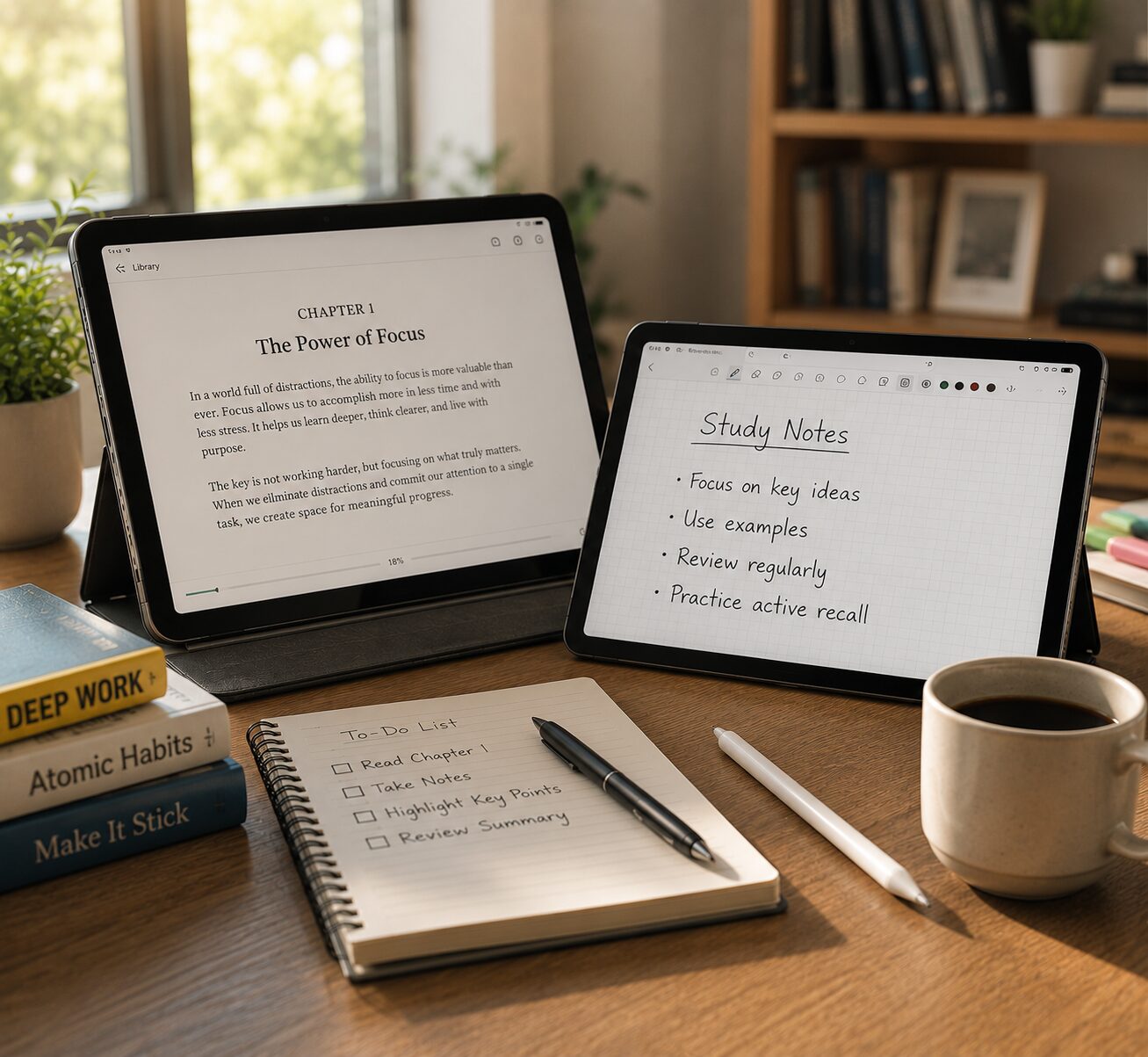
- Take Handwritten Notes: Studies have shown that handwriting notes improves retention compared to typing. If your tablet supports a stylus, take advantage of this feature.
- Stay Organized with Digital Calendars: Use Google Calendar or Apple Calendar to track assignment deadlines, exam dates, and class schedules. Set reminders to stay on top of your academic commitments.
- Engage Actively in Virtual Classes: Participate in discussions, ask questions, and use chat features during online lectures. Active engagement significantly improves comprehension and learning outcomes.
- Take Regular Breaks: Follow the 20-20-20 rule — every 20 minutes, look at something 20 feet away for 20 seconds to reduce eye strain. Also, take a 5–10 minute break every hour to stretch and rest your mind.
Frequently Asked Questions (FAQs)
Q: What is the best tablet for online classes?
The Apple iPad 10th Generation is widely regarded as the best overall tablet for online classes due to its powerful processor, excellent display, and extensive app ecosystem. However, for budget-conscious buyers, the Xiaomi Redmi Pad SE and Samsung Galaxy Tab A8 offer excellent alternatives.
Q: Can a budget tablet replace a laptop for students?
For most academic tasks — including note-taking, research, video conferencing, and document editing — a budget tablet with a keyboard accessory can effectively replace a laptop. However, for specialized tasks like programming, video editing, or advanced data analysis, a laptop remains the better choice.
Q: How much should I spend on a student tablet?
A quality student tablet can be purchased for $150 to $350 (₦100,000 to ₦200,000). This range offers devices with adequate performance, good displays, and reliable battery life for educational use.
Q: Are refurbished tablets worth considering?
Yes, refurbished tablets from reputable sellers like Amazon Renewed, Apple Refurbished Store, or Back Market can offer significant savings — often 20-40% off retail prices. Just ensure the device comes with a warranty and has been professionally tested.
Q: What size tablet is best for students?
A 10 to 11-inch display is ideal for most students. It provides enough screen real estate for reading, video calls, and productivity while remaining portable enough to carry in a backpack.
Final Thoughts
In summary, finding affordable tablets for students and remote learning has never been easier thanks to the wide variety of excellent options available in today’s market. Whether you choose the premium reliability of the Apple iPad, the outstanding value of the Xiaomi Redmi Pad SE, the durability of the Nokia T21, or the kid-friendly features of the Amazon Fire HD 10, each tablet on this list delivers genuine educational value at a reasonable price.
Most importantly, the best tablet is the one that matches your specific needs, budget, and learning style. By carefully evaluating display quality, battery life, performance, storage, and accessory compatibility, you can make a confident and informed purchasing decision.
Ultimately, a tablet is more than just a device — it is a gateway to knowledge, opportunities, and academic achievement. When paired with the right apps, accessories, and study habits, even an affordable tablet can become a transformative learning tool that empowers students to reach their full potential.


 Get it on
  Download on the